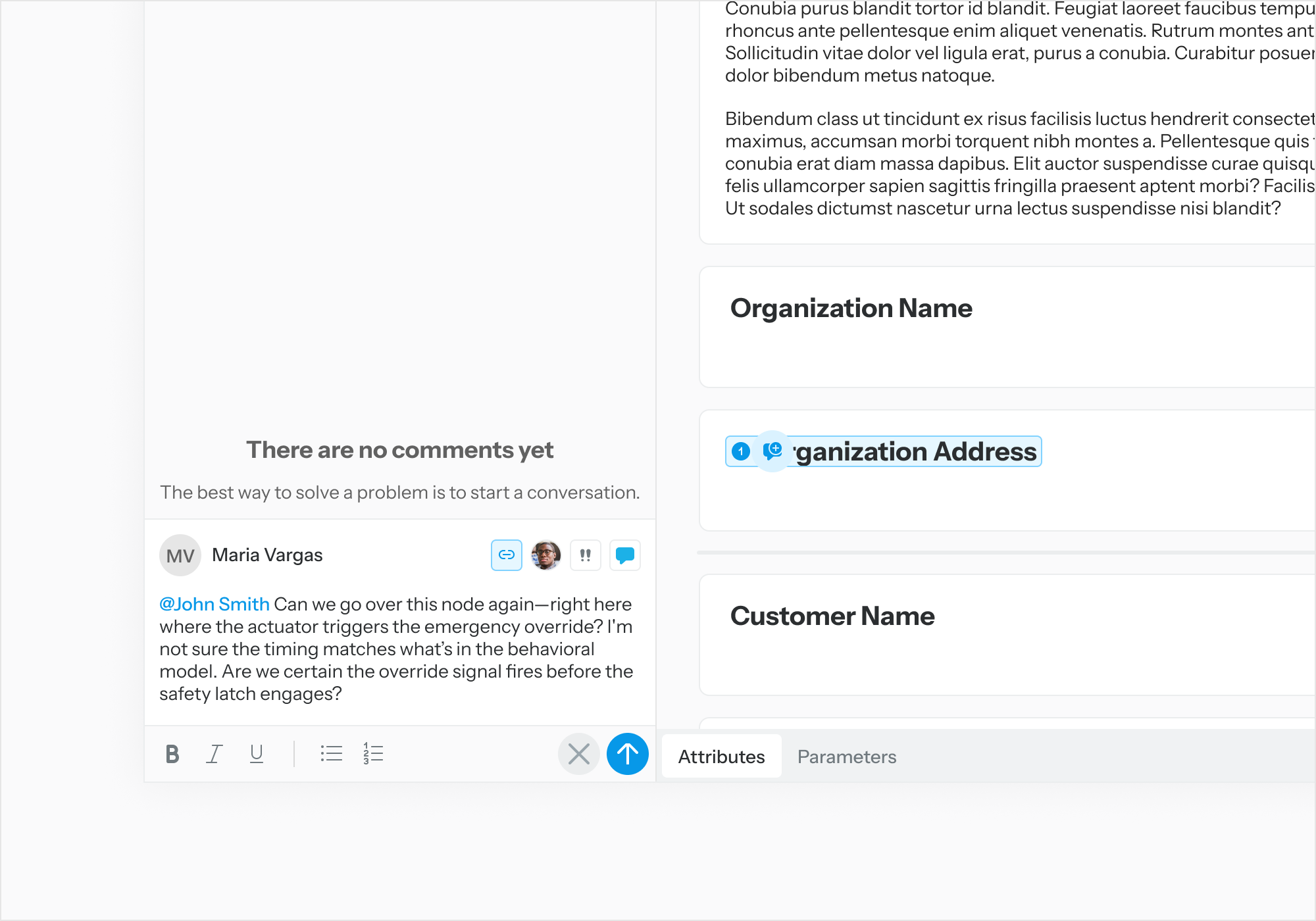
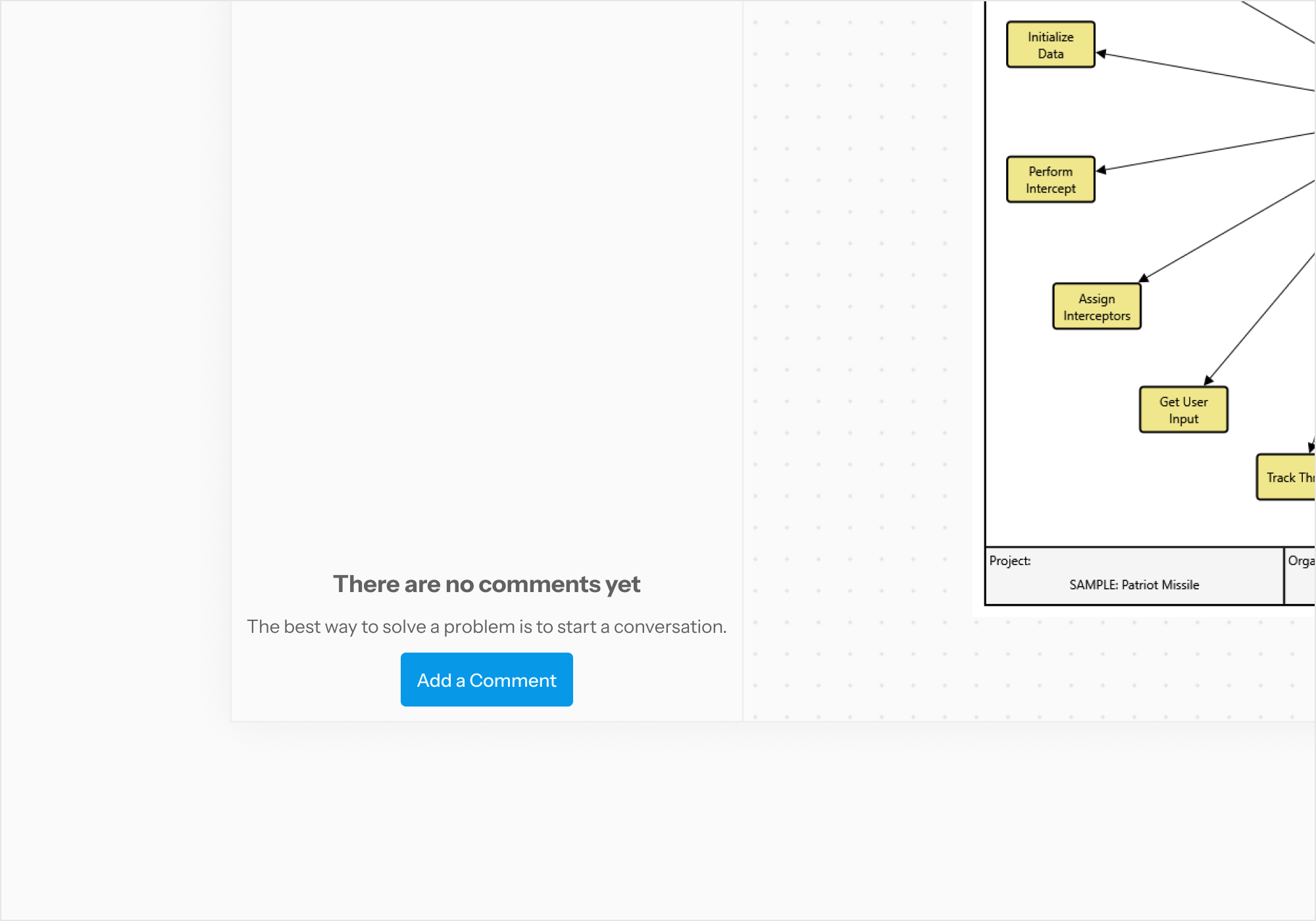
While inspecting a diagram on Task Execution page, to comment on a diagram node, first click “Add a Comment” to bring up the comment editor and type in an originating comment.
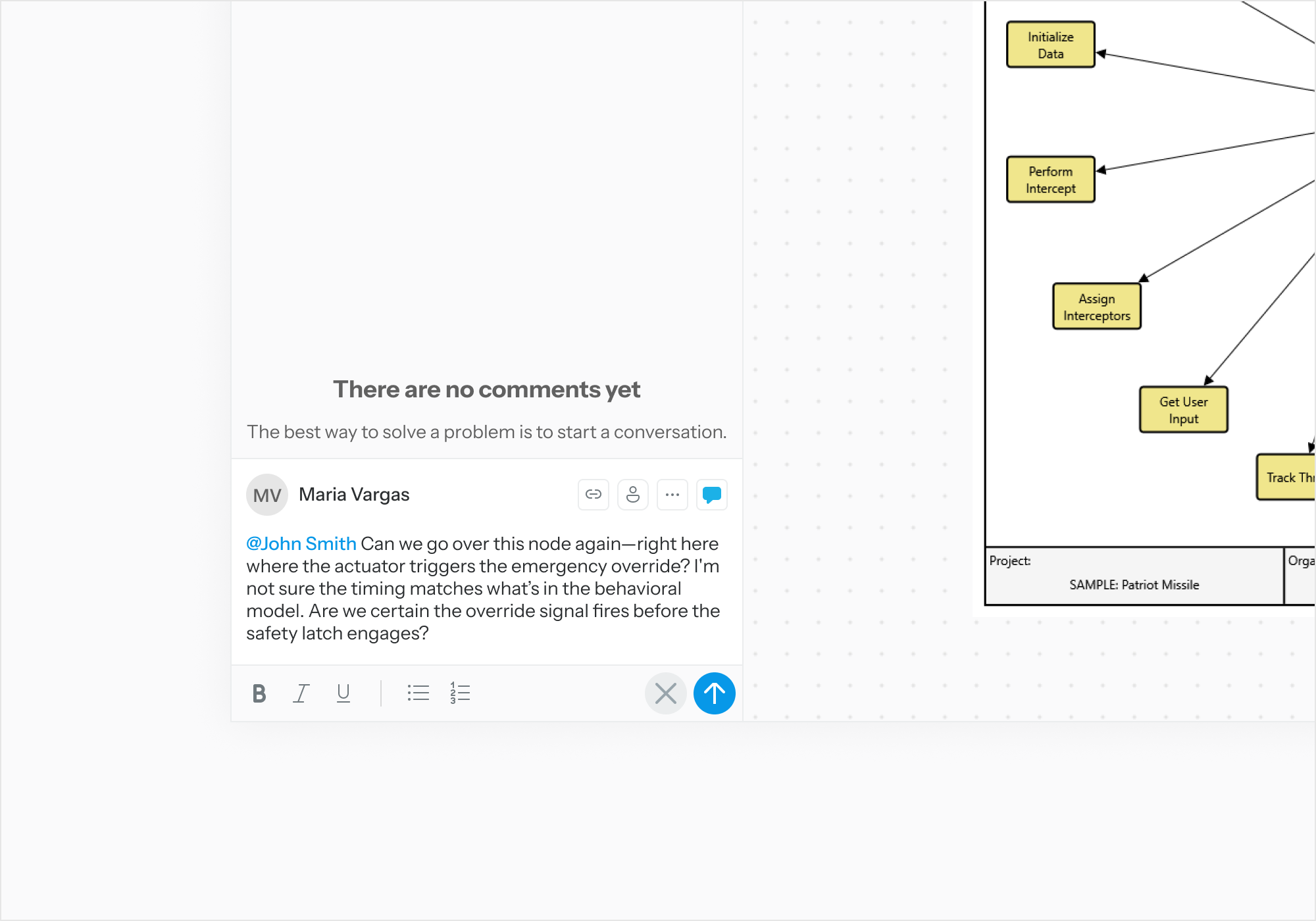
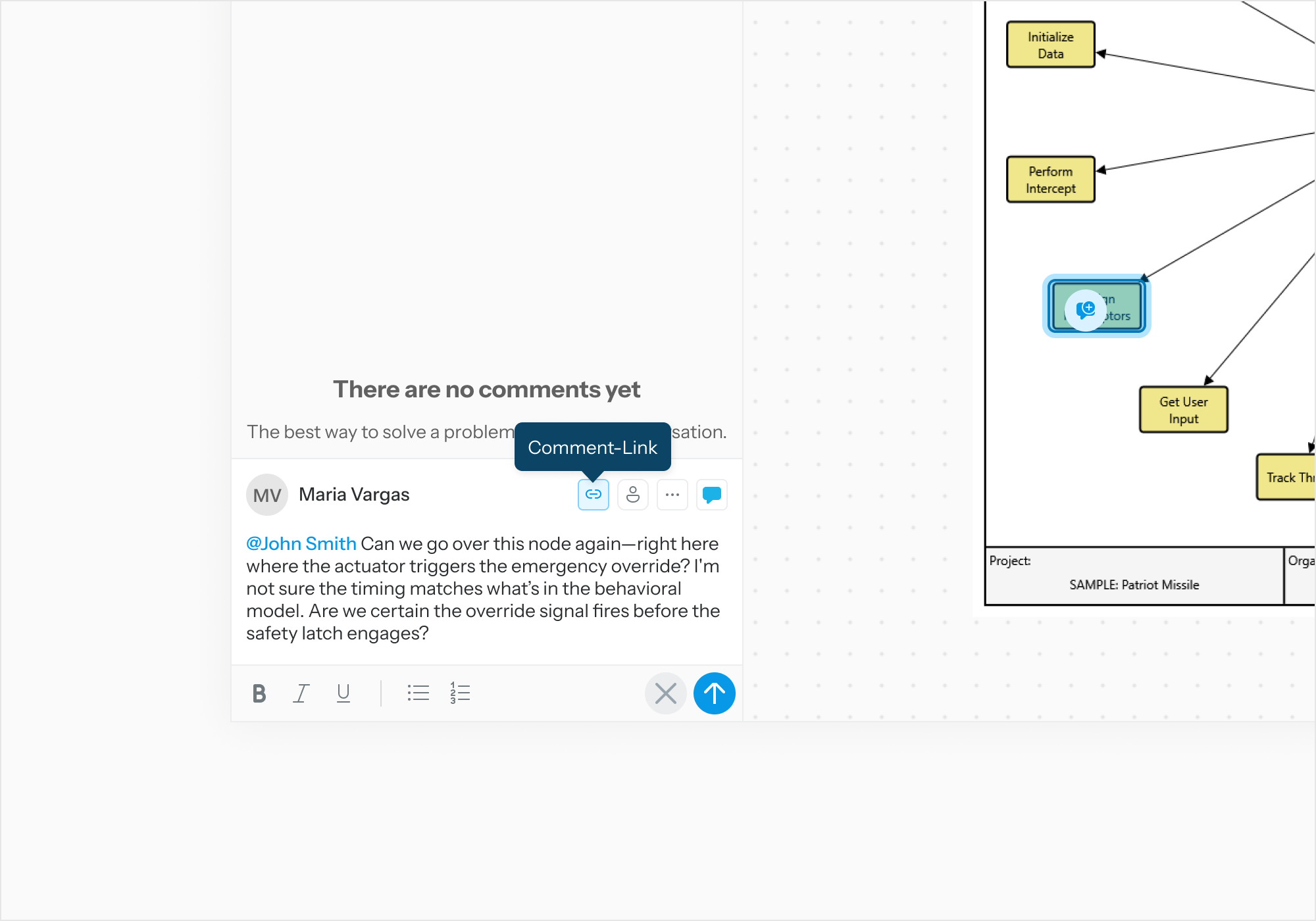
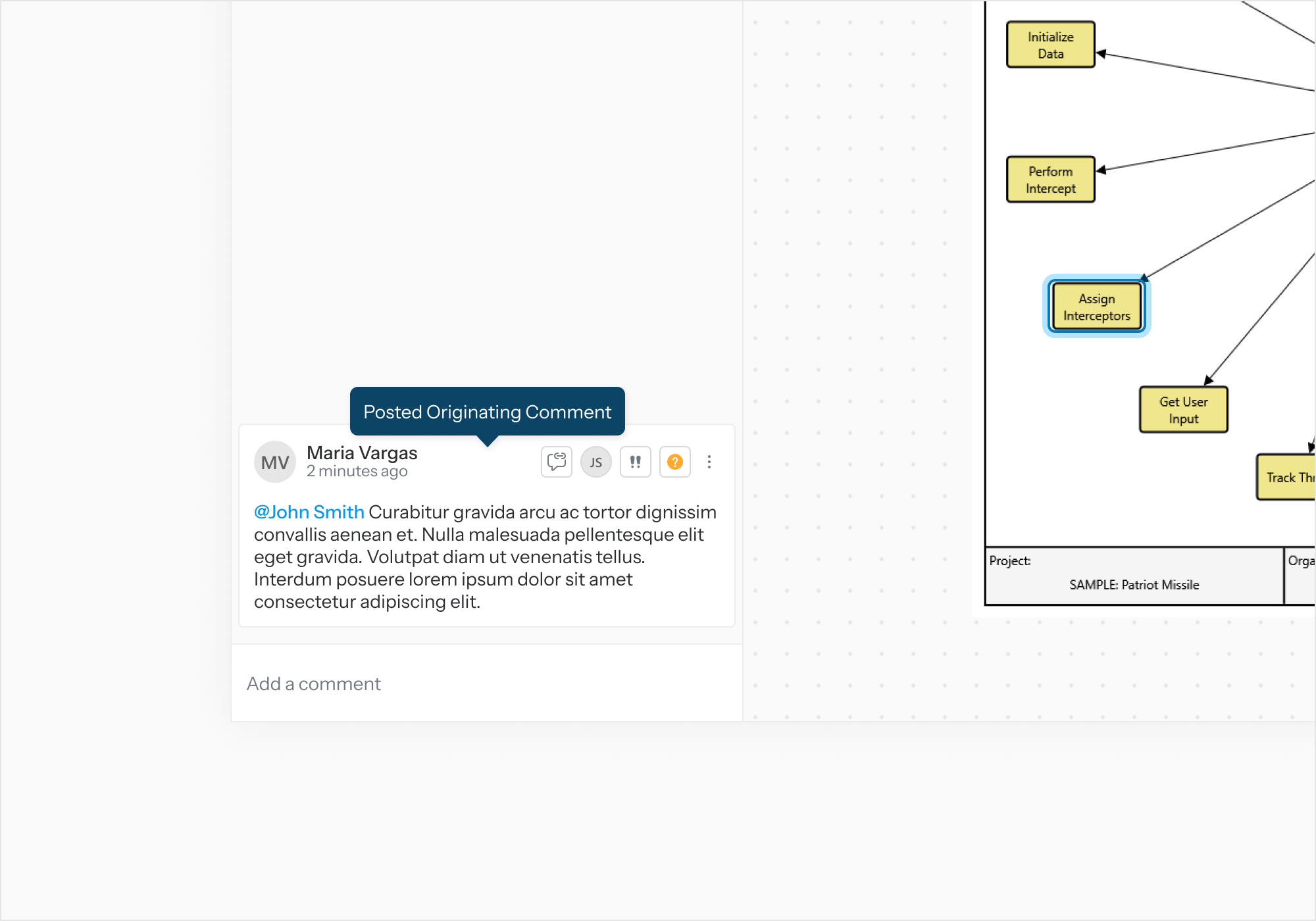
Select the comment-link button. The cursor will transform into a commenting-cursor. Select the entity node on the diagram you would like to link to the originating comment.
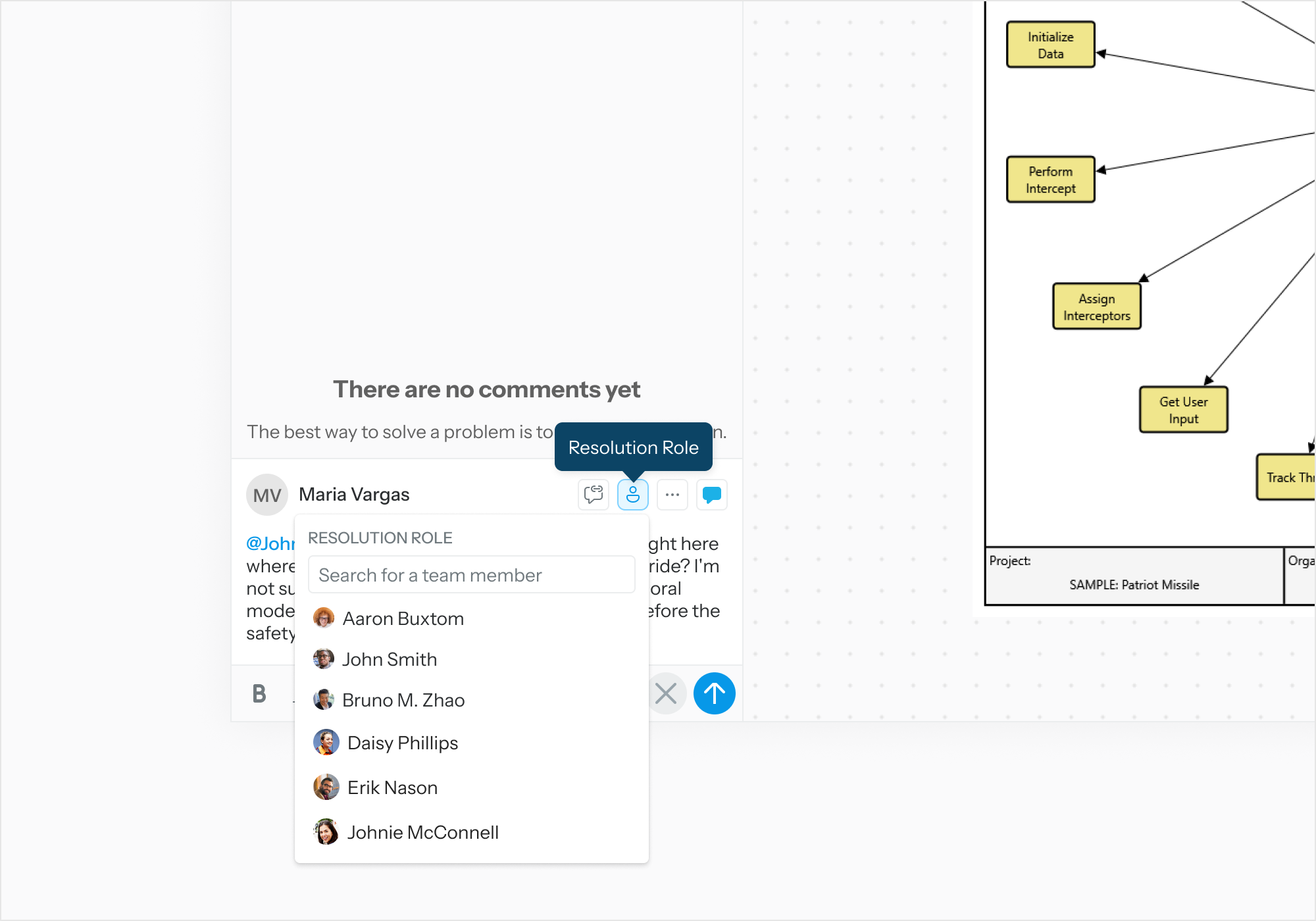
Select the comment resolution button. Assign a user with the Comment Resolution Role.
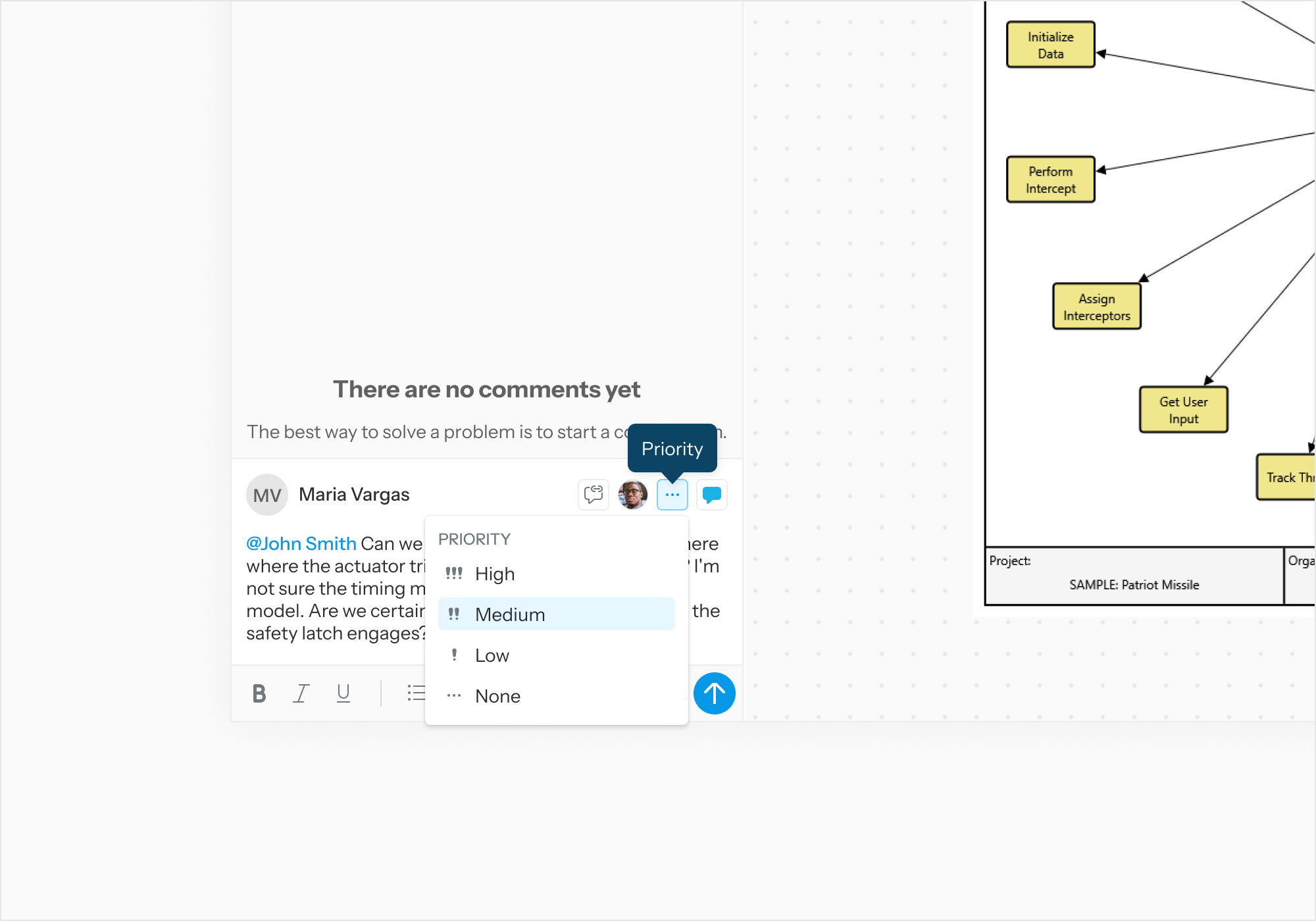
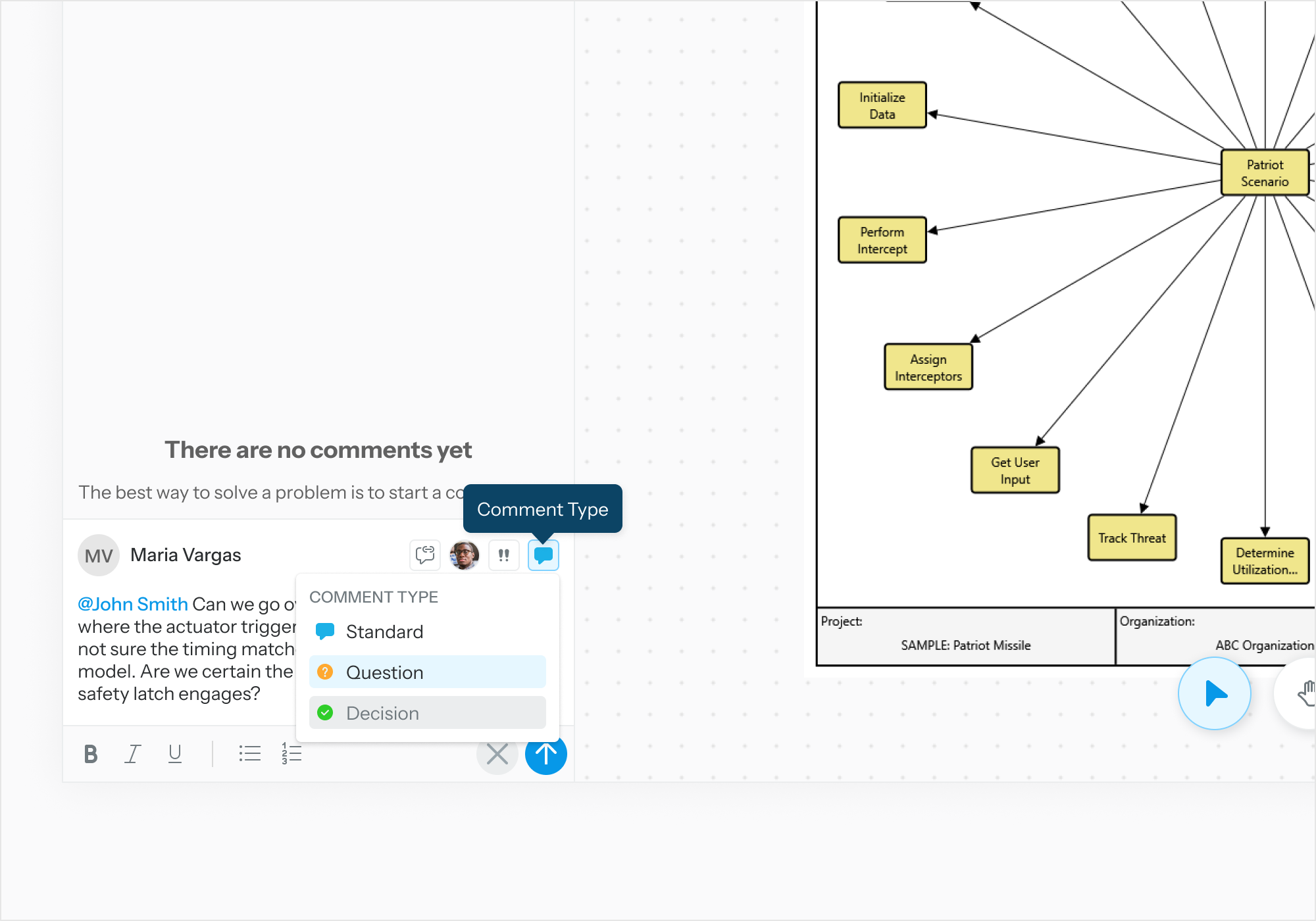
Set the comment priority and comment type as needed. Submit.
To comment on an entity attribute, repeat the steps above while the Review Object viewer displays the properties view.