
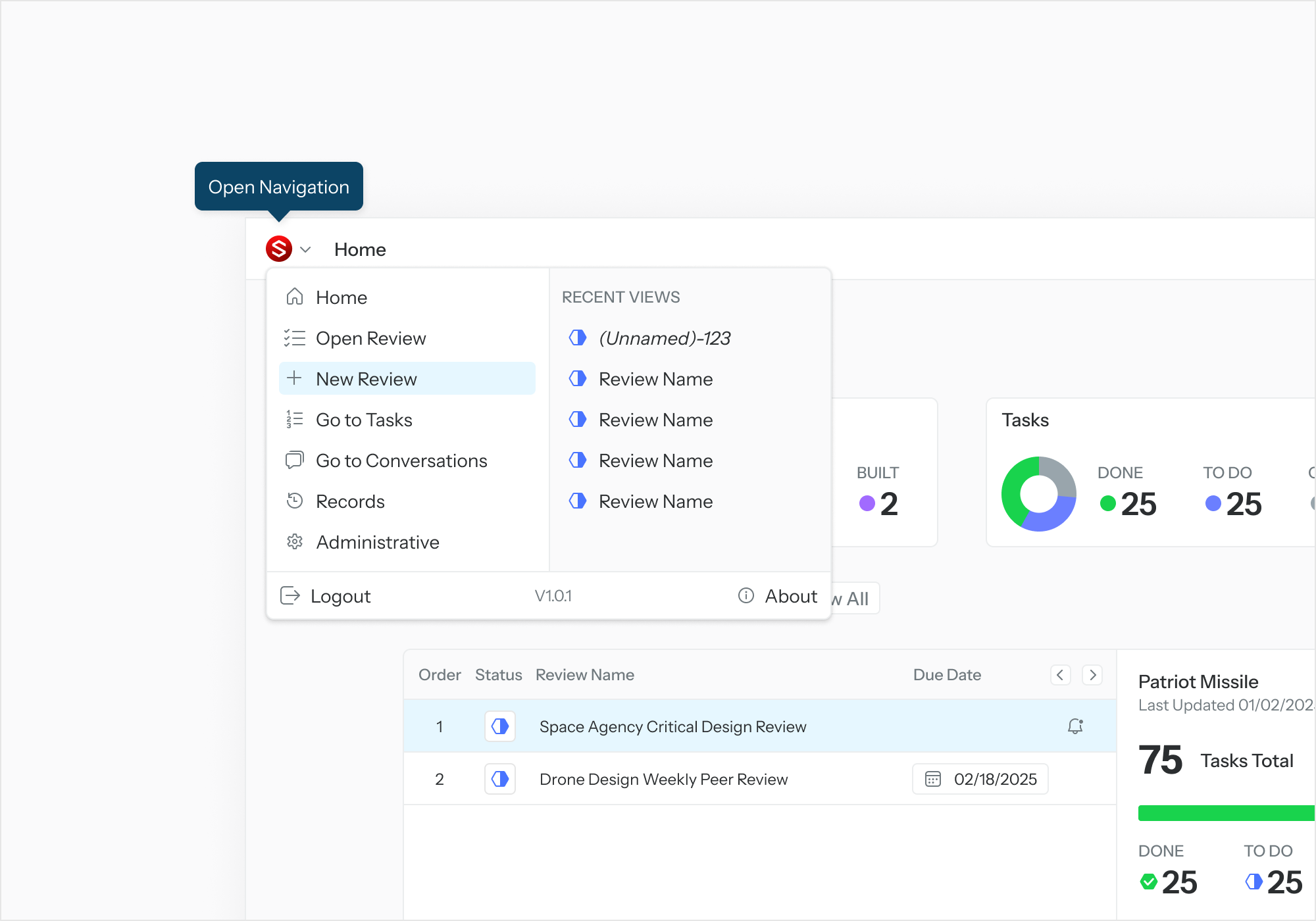
To create a new Review, select the Application Menu. Select “New Review.”
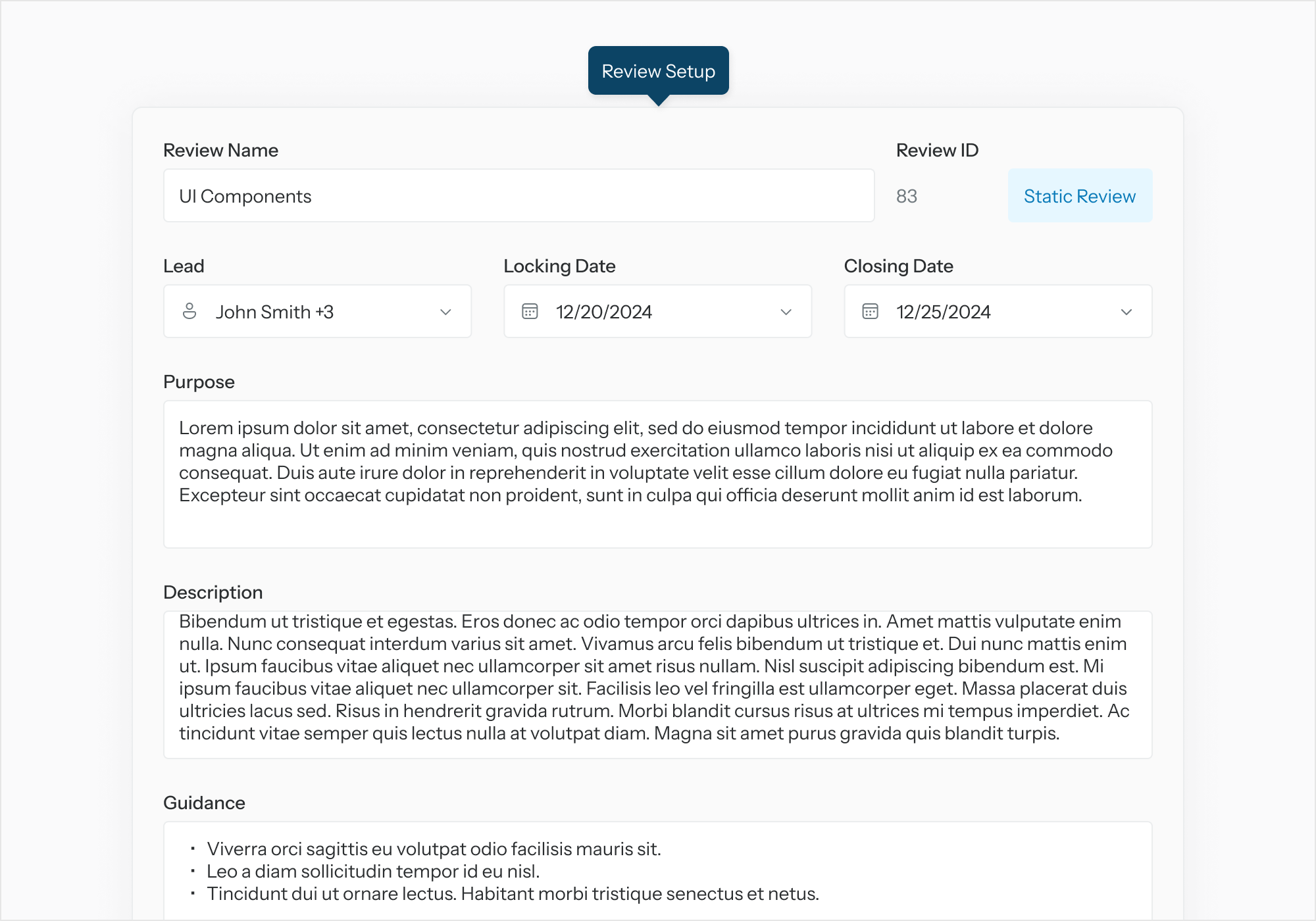
When the Review Setup page is displayed, enter the details for the Review.
Define the Digital Review Package
-
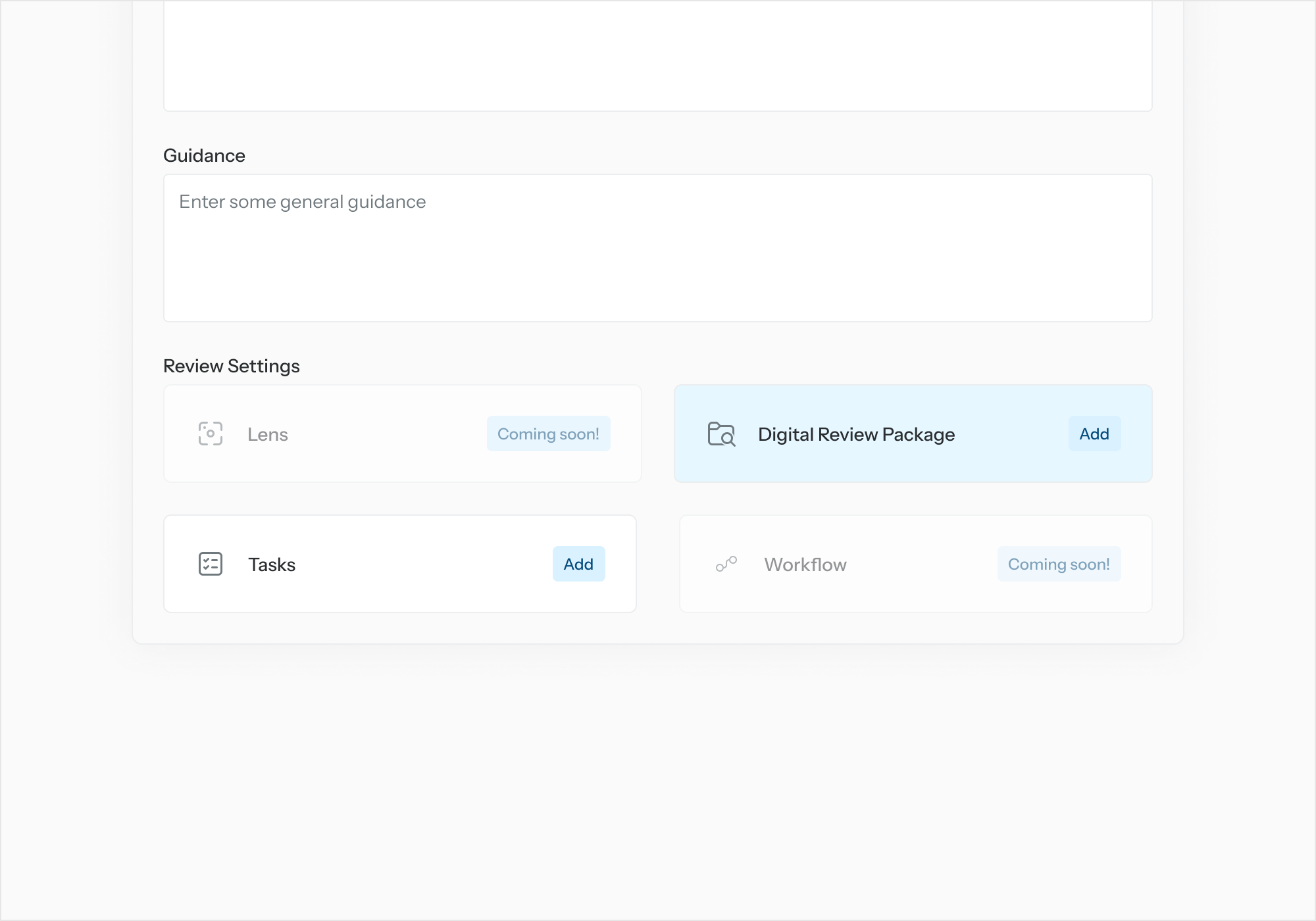
From “Add a Digital Review Package” (DRP) select “Add.”
-
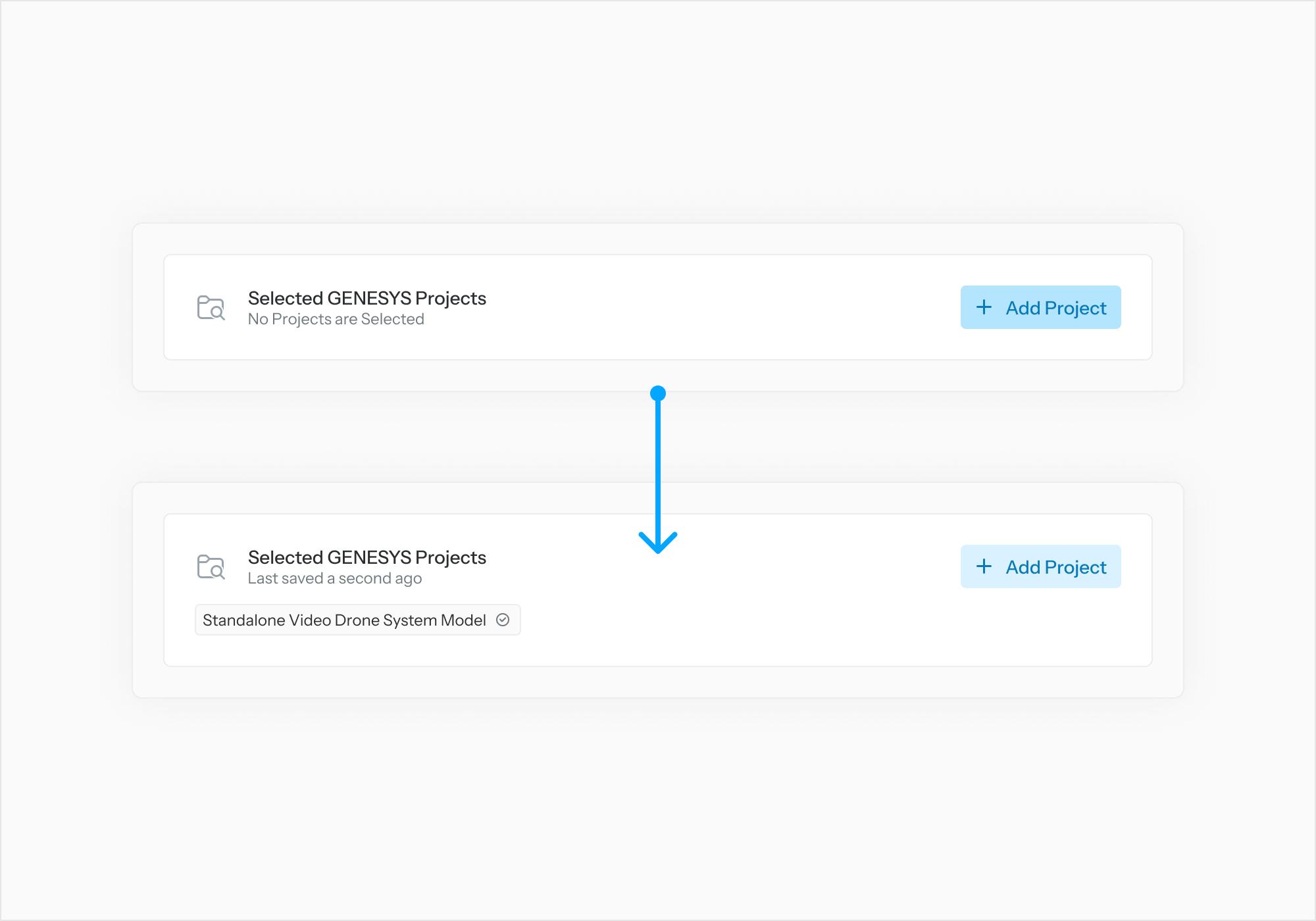
In the first DRP Setup page, select “Add Project” to add one or more GENESYS projects to the DRP definition. Select “Next.”
-
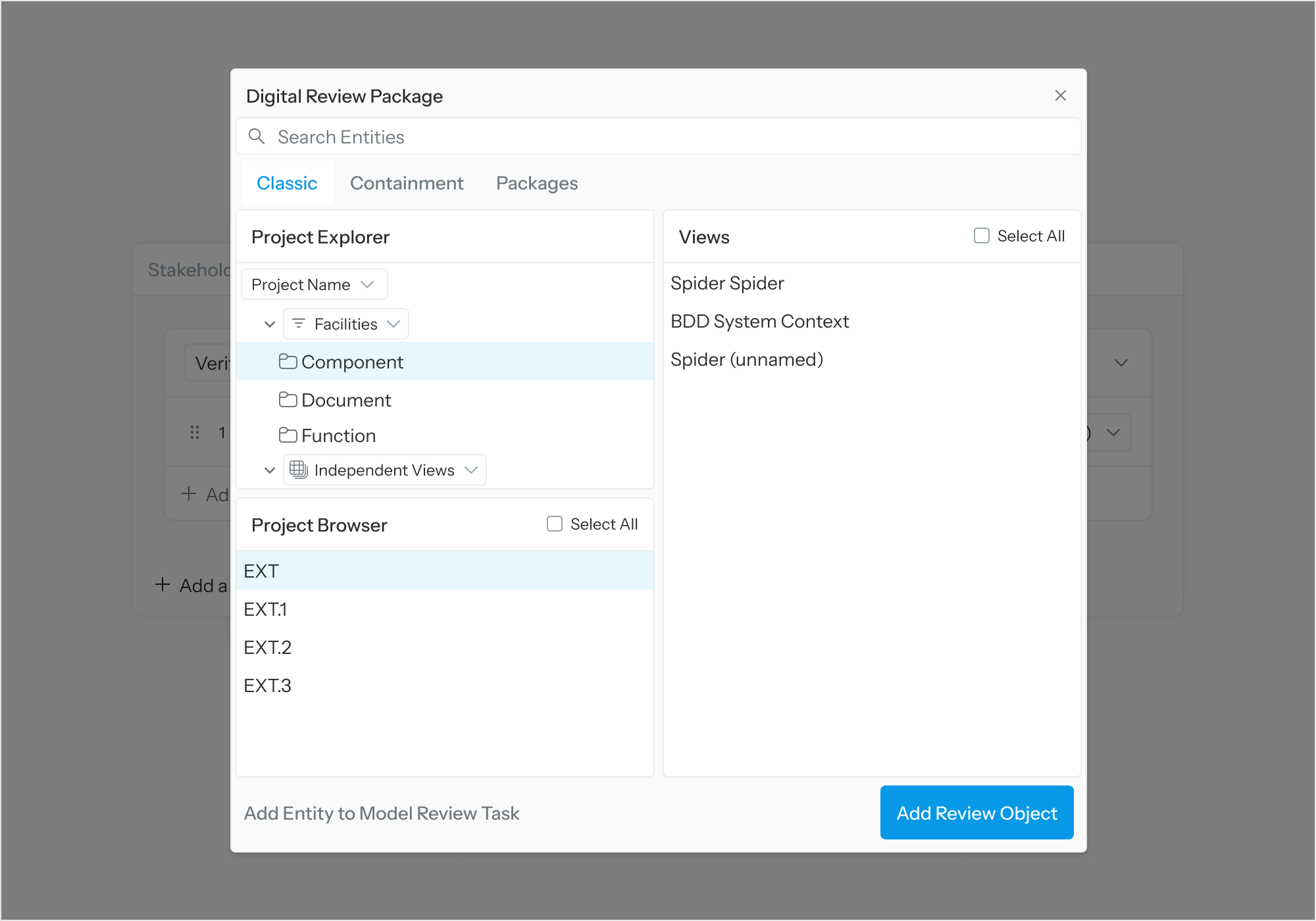
In the second DRP Setup page, for each included project, select “Select Model Content” to specify which entities to be added to the DRP definition. Select “Finish” when done.
Note: An individual entity or an entire folder can be added to the DRP definition.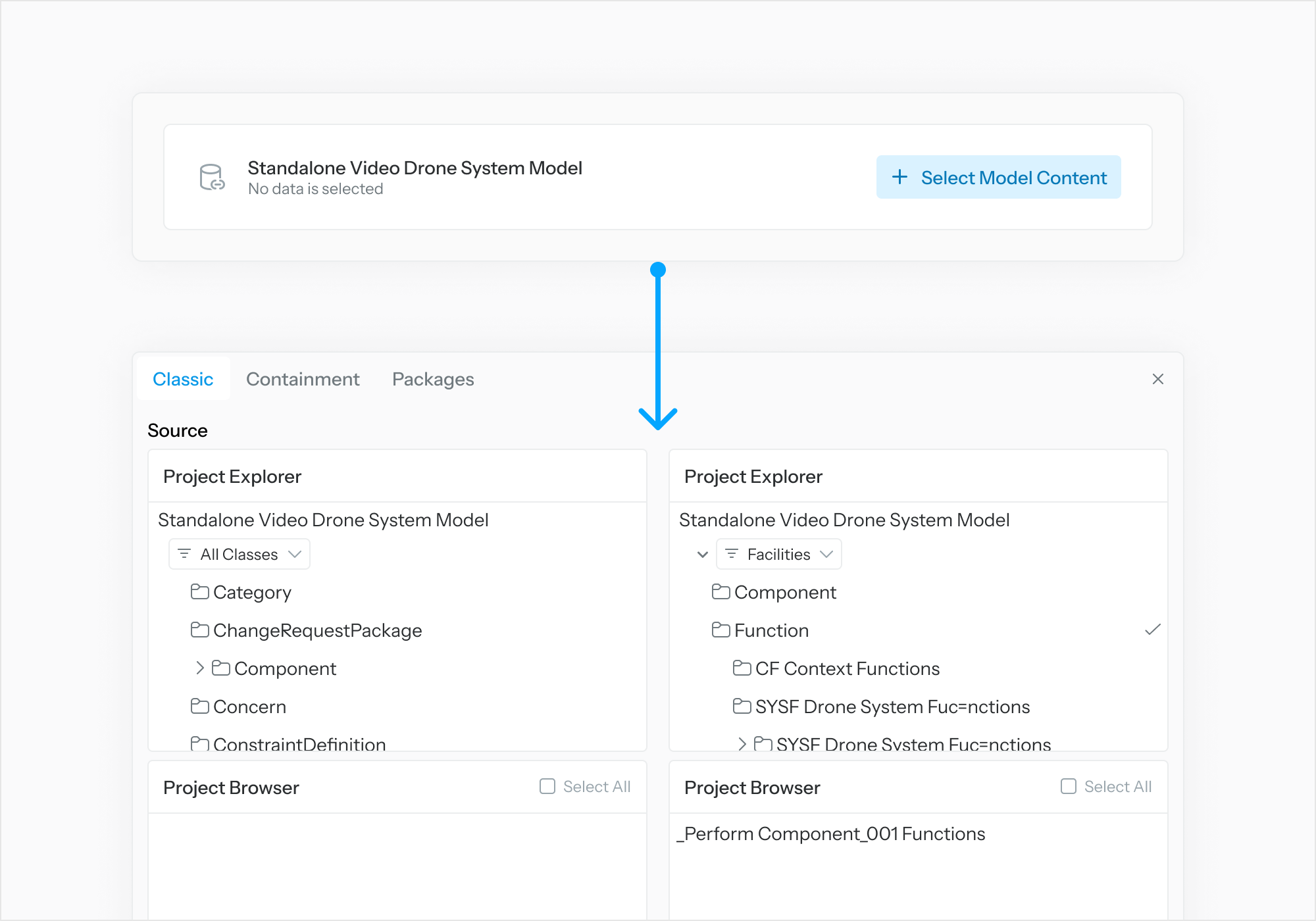
Assign Tasks
-
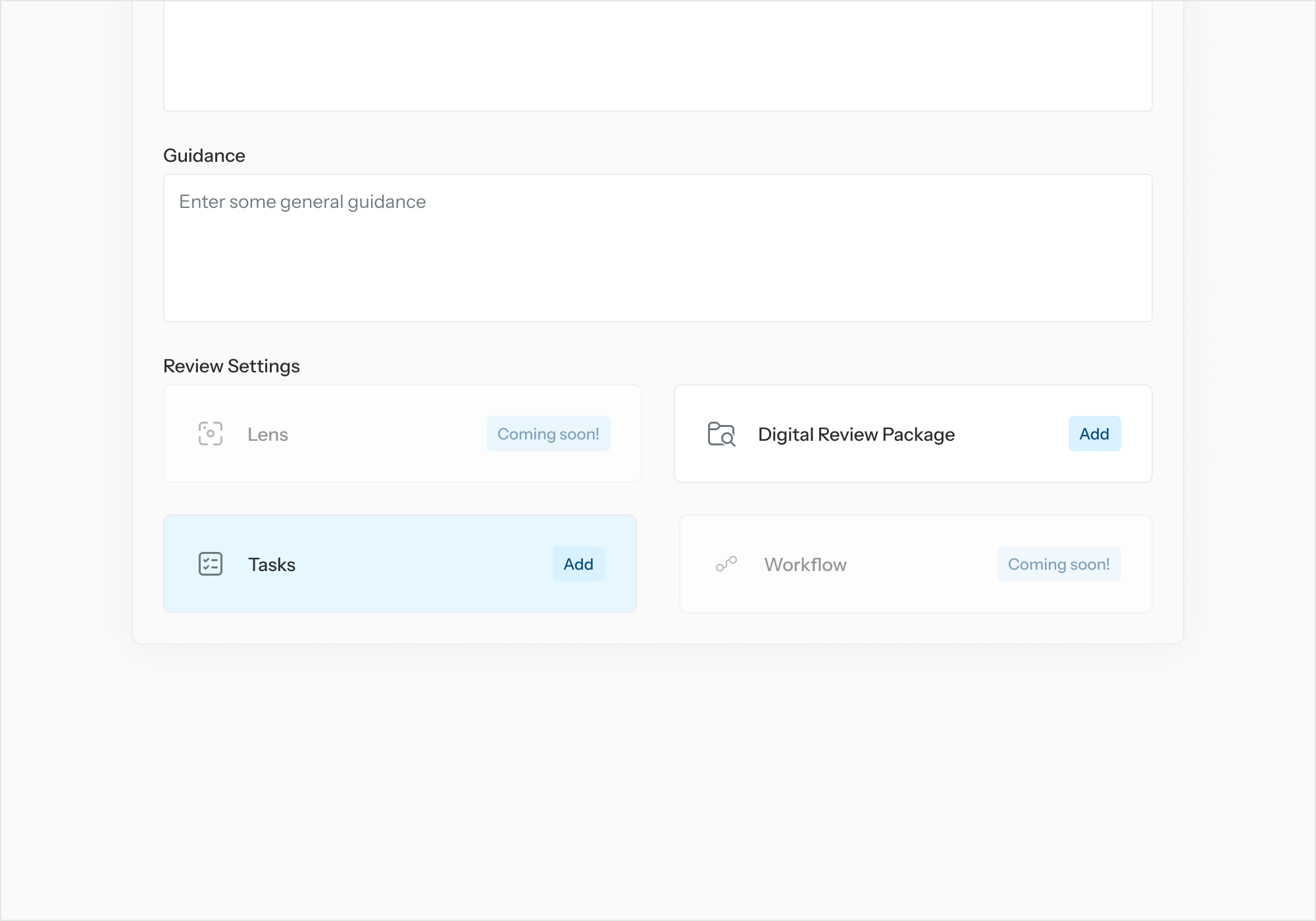
From “Add a Task List” select “Add.”
-
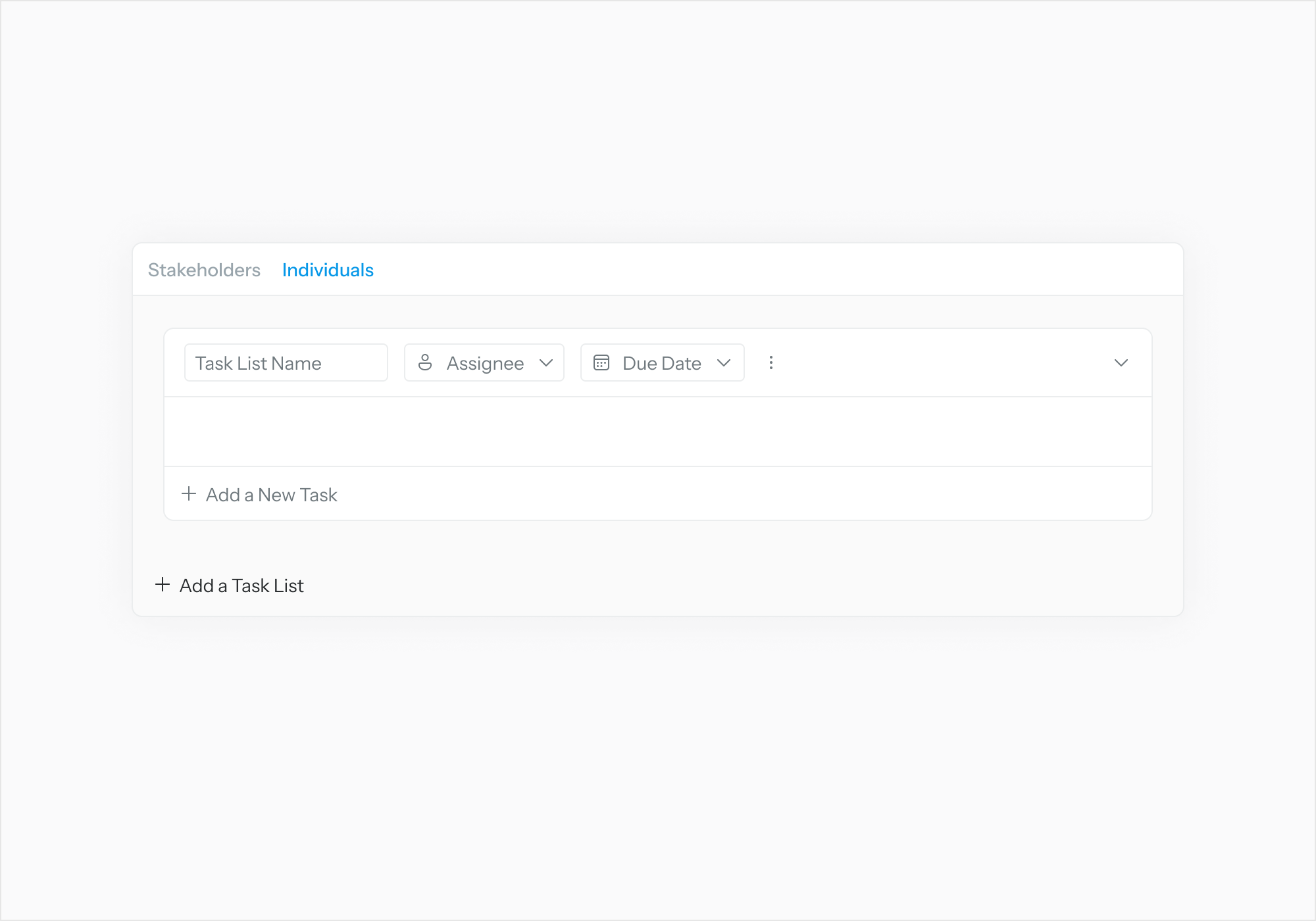
In the Task Setup page, select "Add a Task List.” Fill out Task List details.
-
Select “Assignee” to link Task List to a user.
-
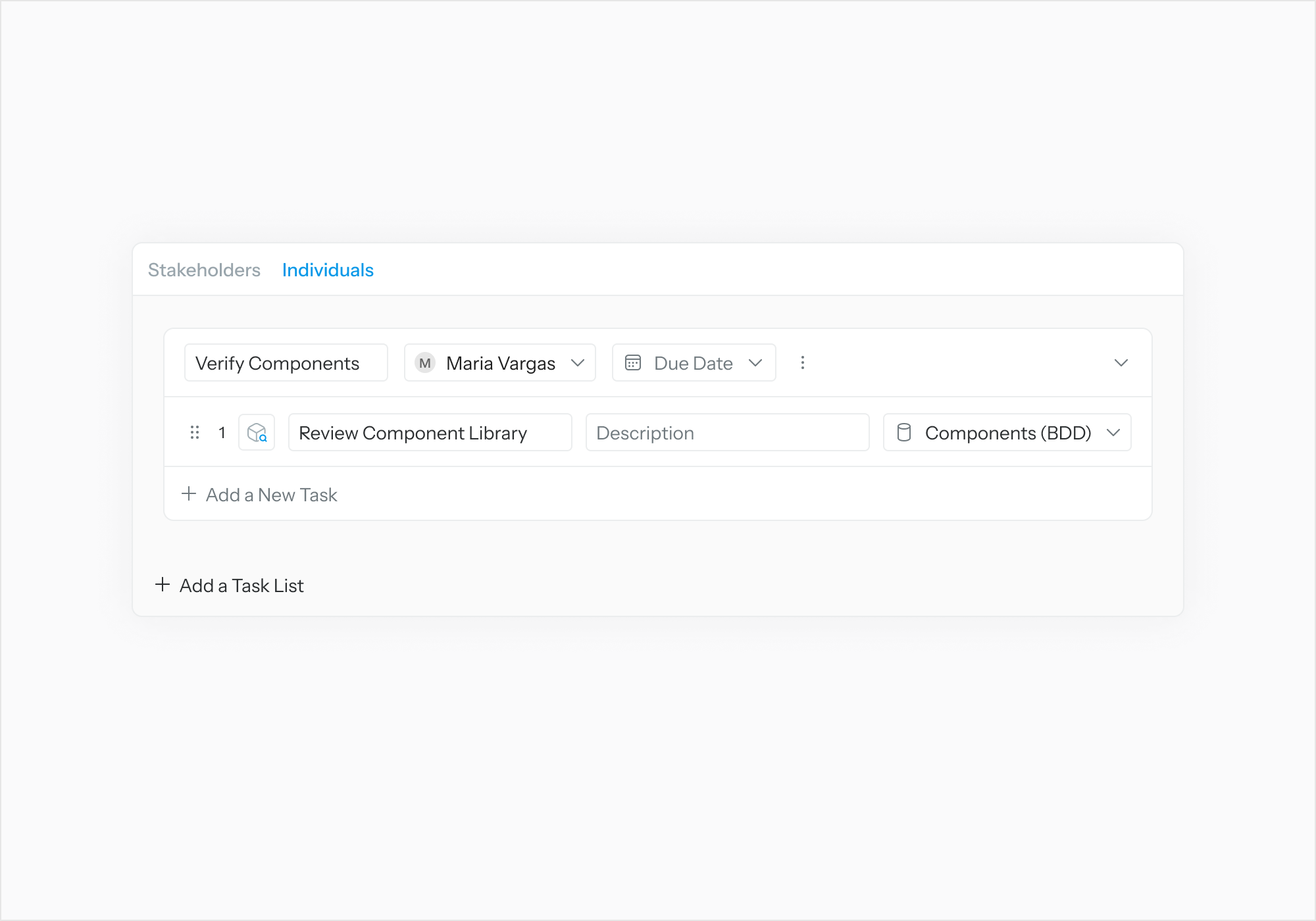
Select “Add New Task.” Fill out Task details.
-
Select “Review Object” to link Task to a Review Object.
-
Select “Finish” once done with task assignment.
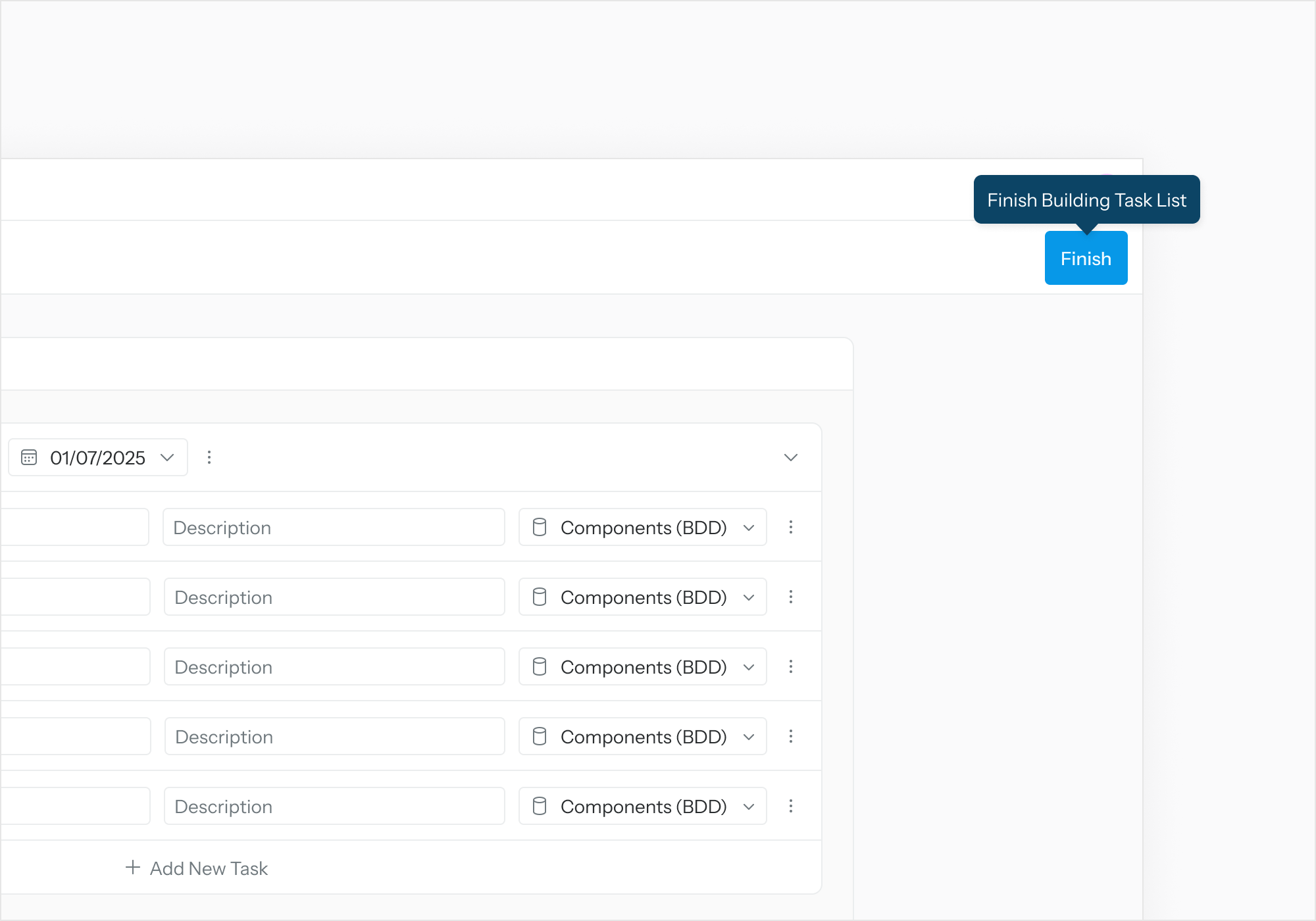
Select “Publish” on the Review Details page to publish the review.