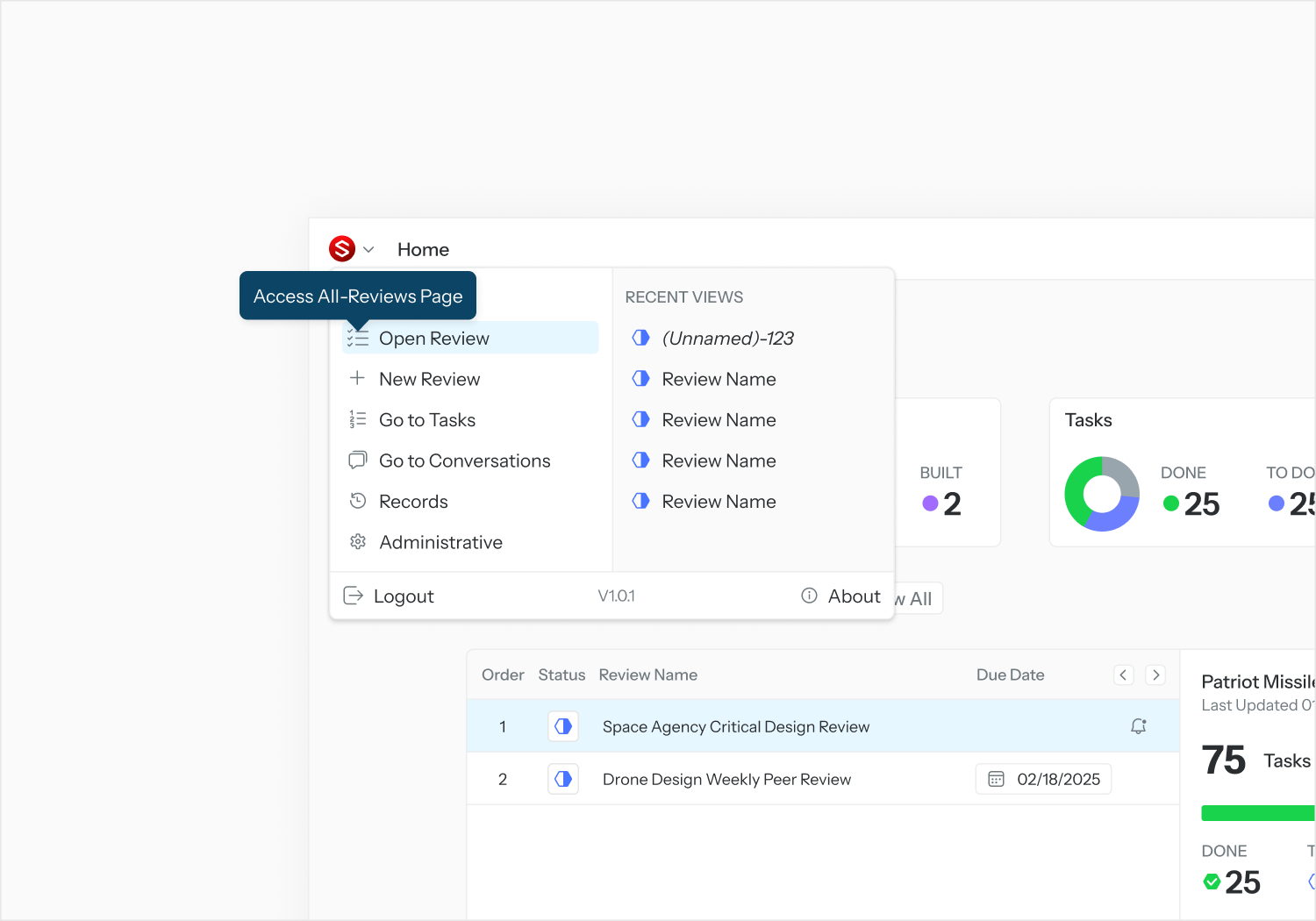
From the Application menu, select “Open Review” to access the All-Reviews page.
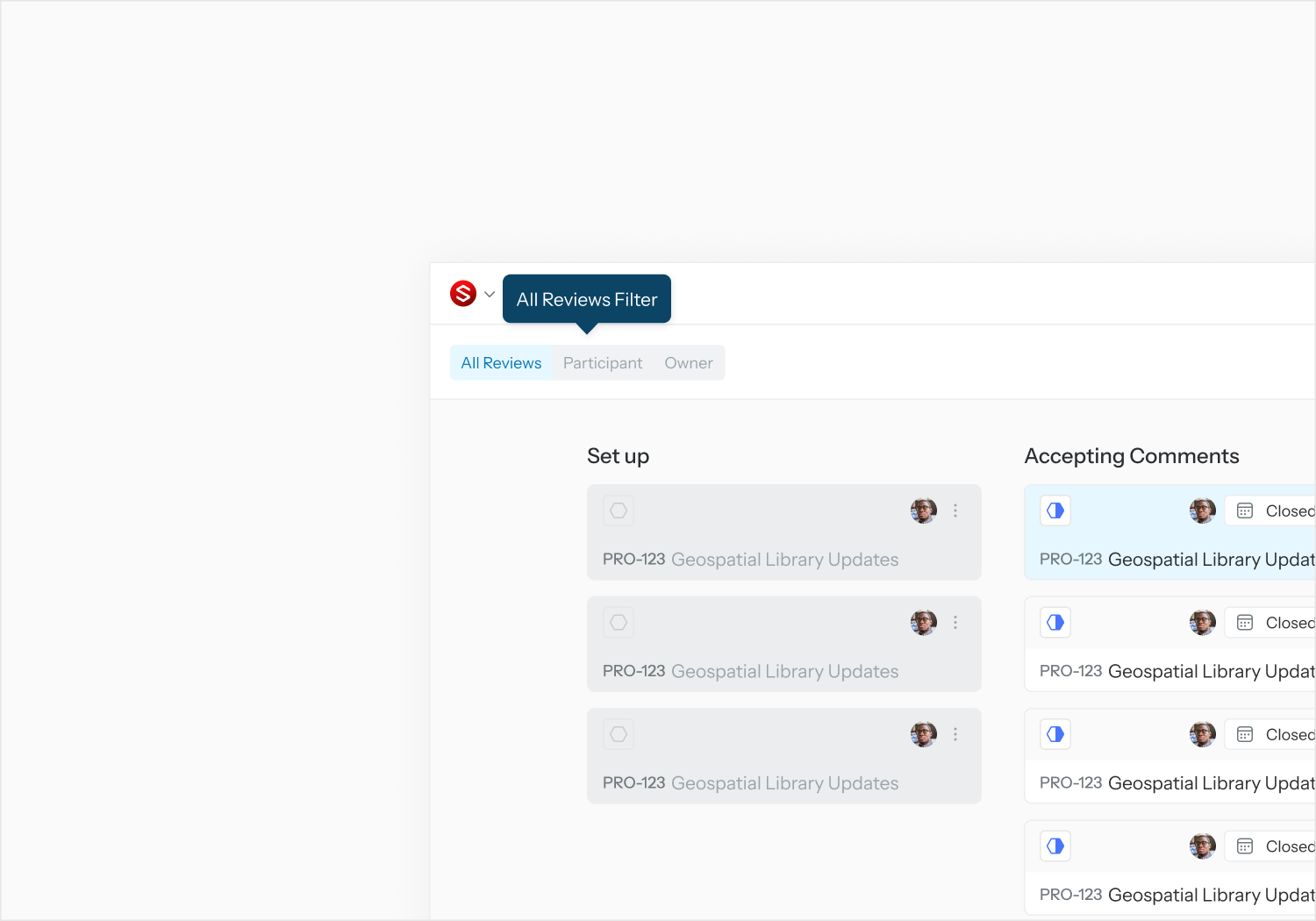
Note: Reviews are filtered by all, by user’s involvement as a participant, and by user’s involvement as an owner.
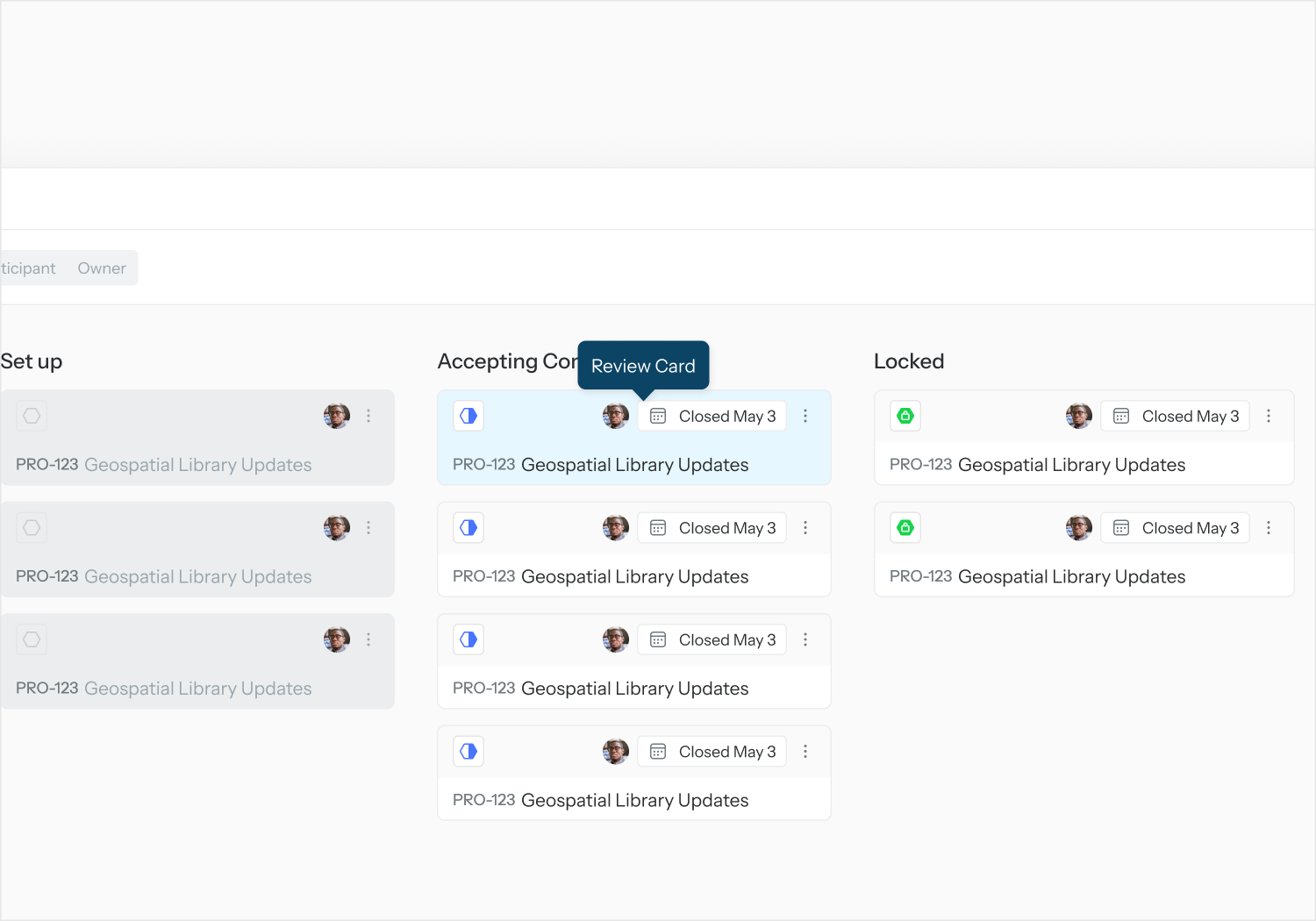
Click on a Review card to open the Review Details page.
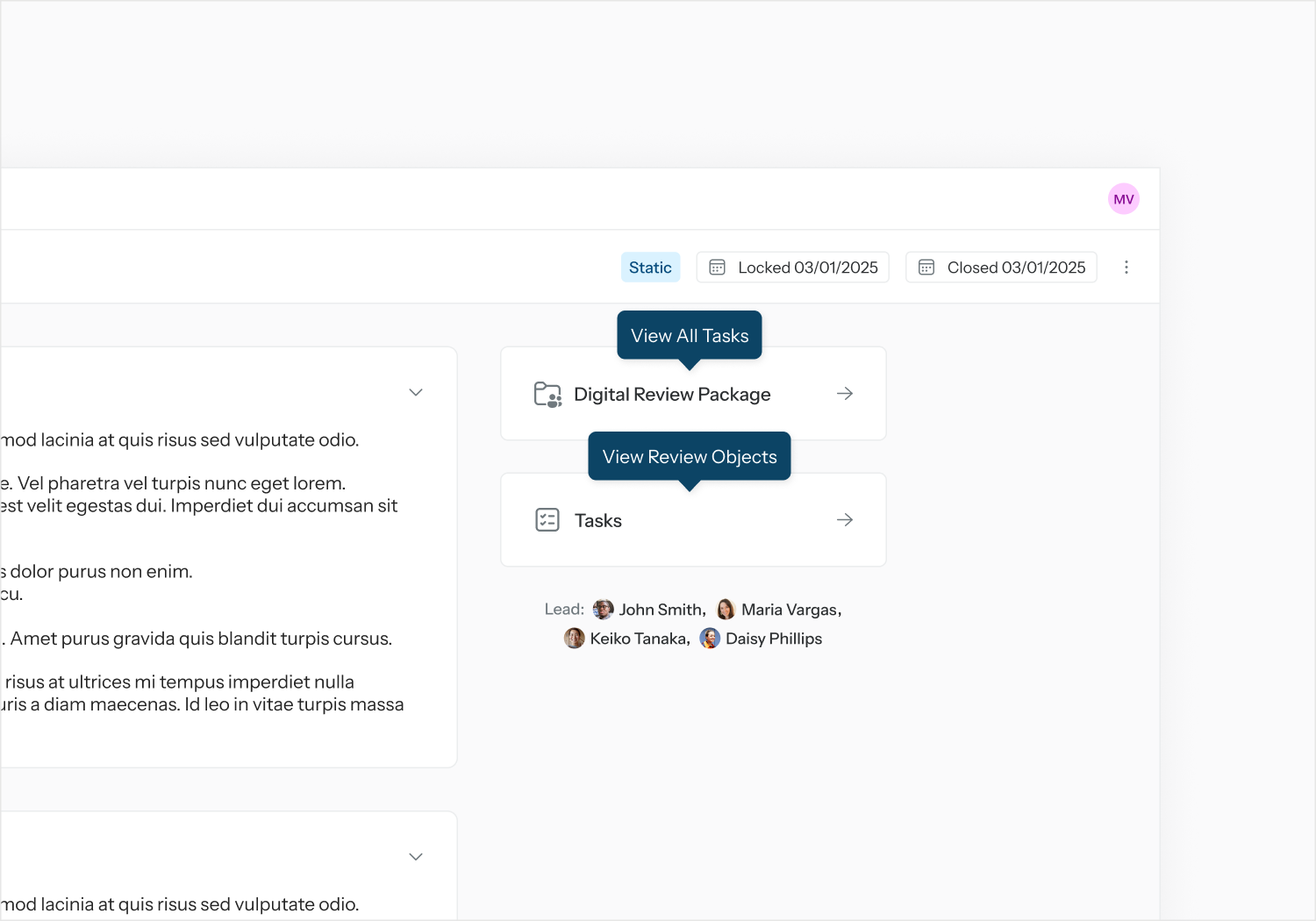
From the Review Details page, select “View Tasks” to view all Tasks associated with current Review.
From the Review Details page, select “View Digital Review Package” to view the Review Objects associated with current Review.