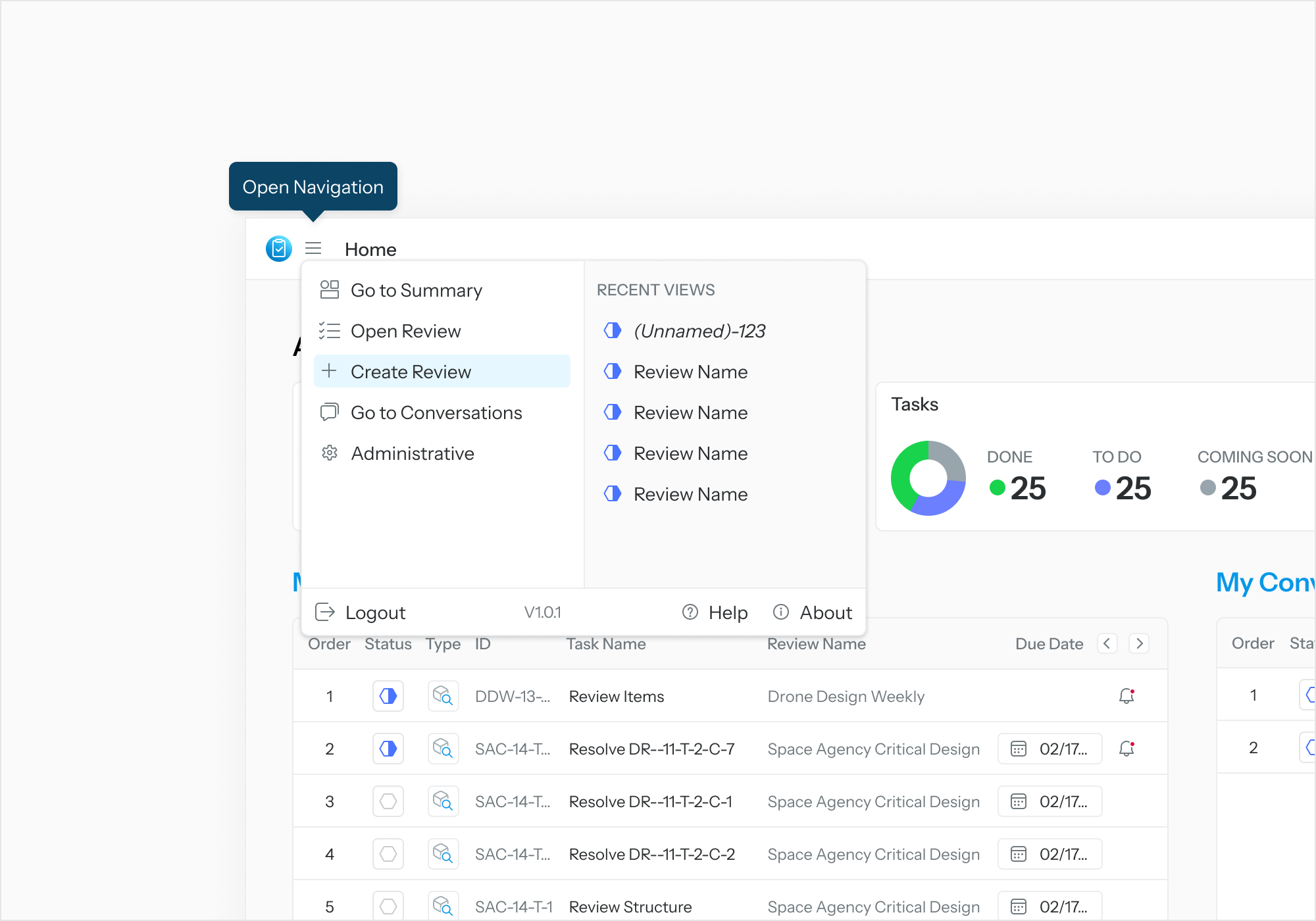
To create a new Review, select the Application Menu. Select “New Review.”
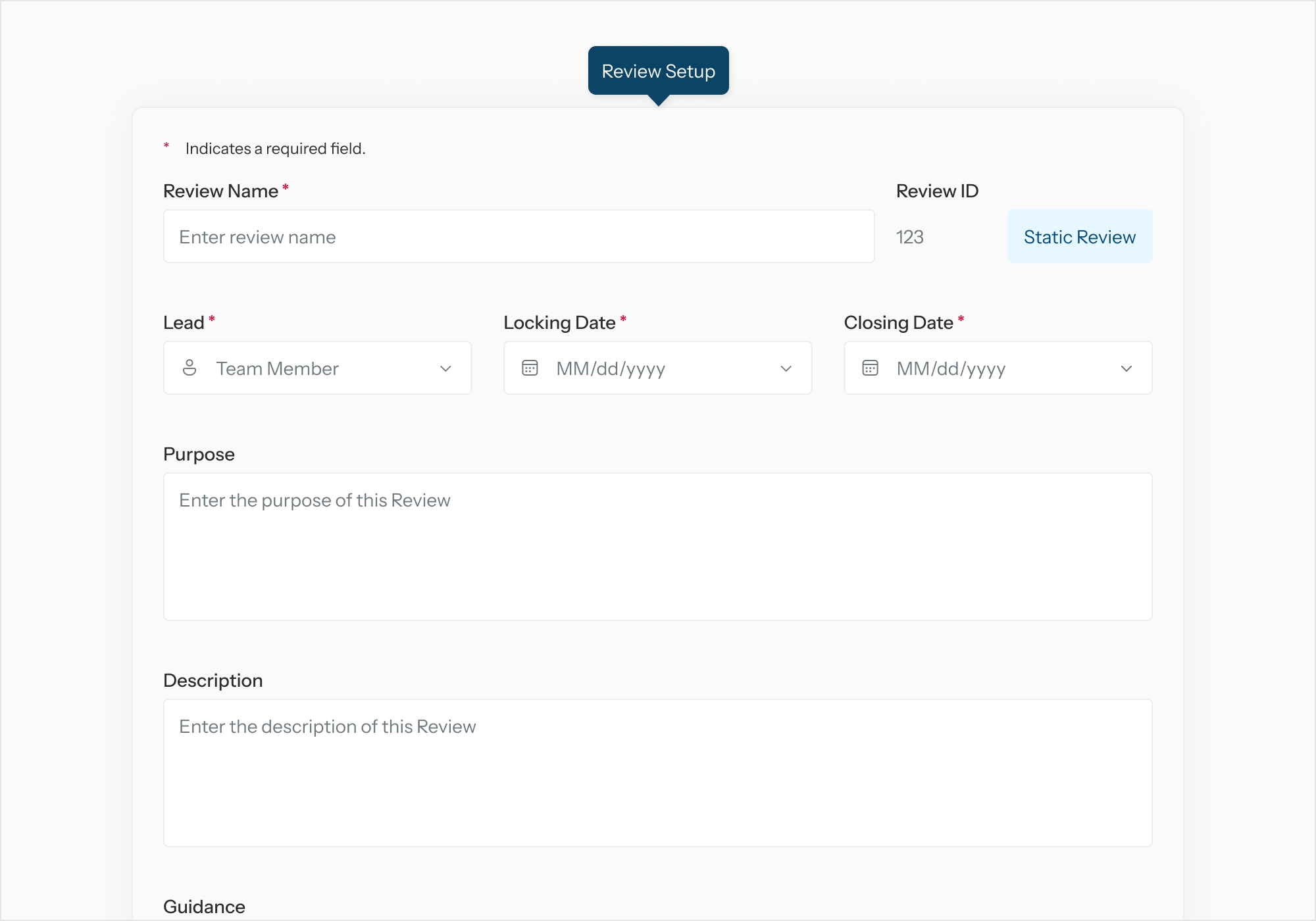
When the Review Setup page is displayed, enter the details for the Review. Ensure required fields are filled out.
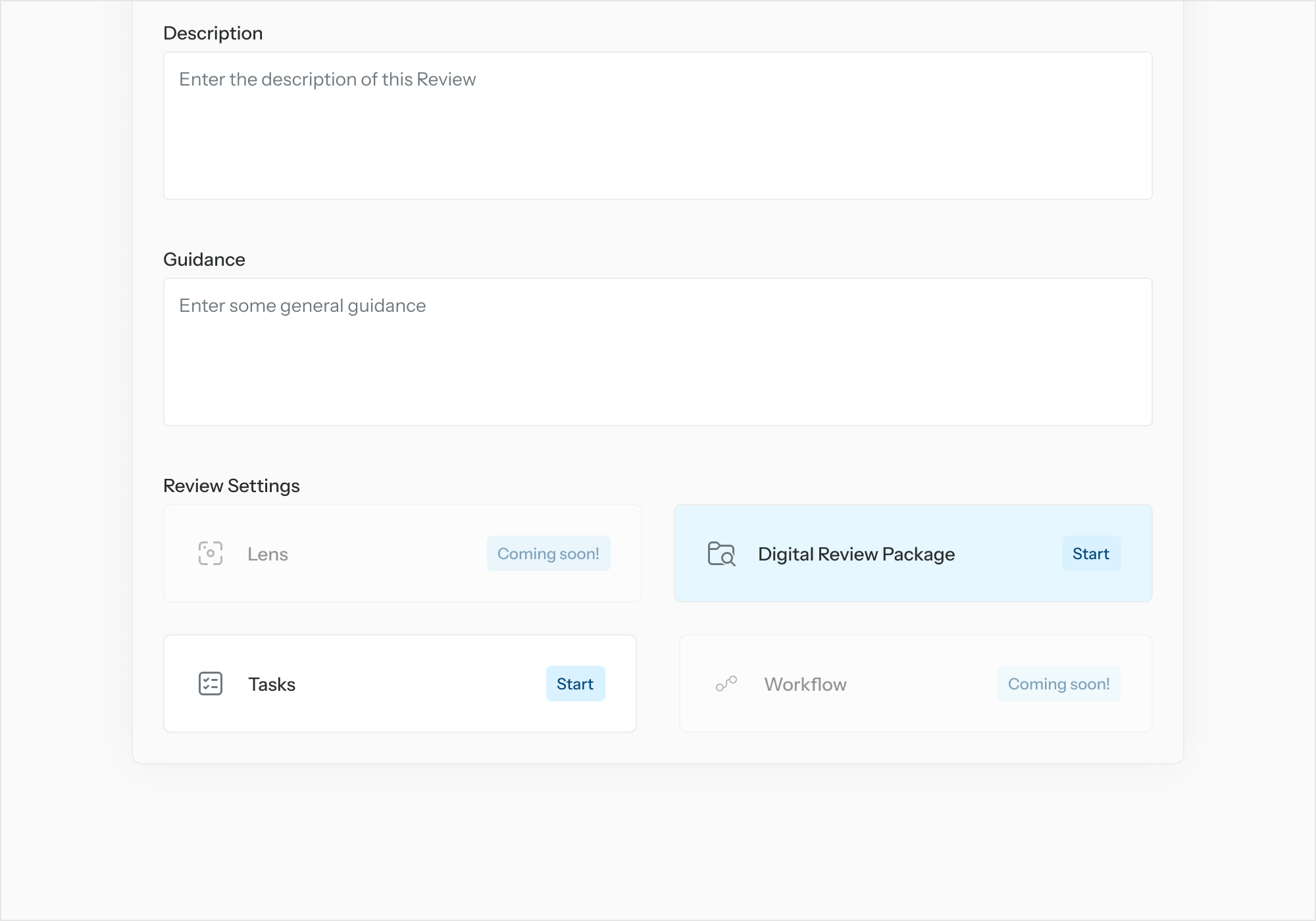
Define the Digital Review Package
-
From “Add a Digital Review Package” (DRP) select “Start.”
-
In the first DRP Setup page, select “Add Project” to add one or more GENESYS projects to the DRP definition. Select “Next.”
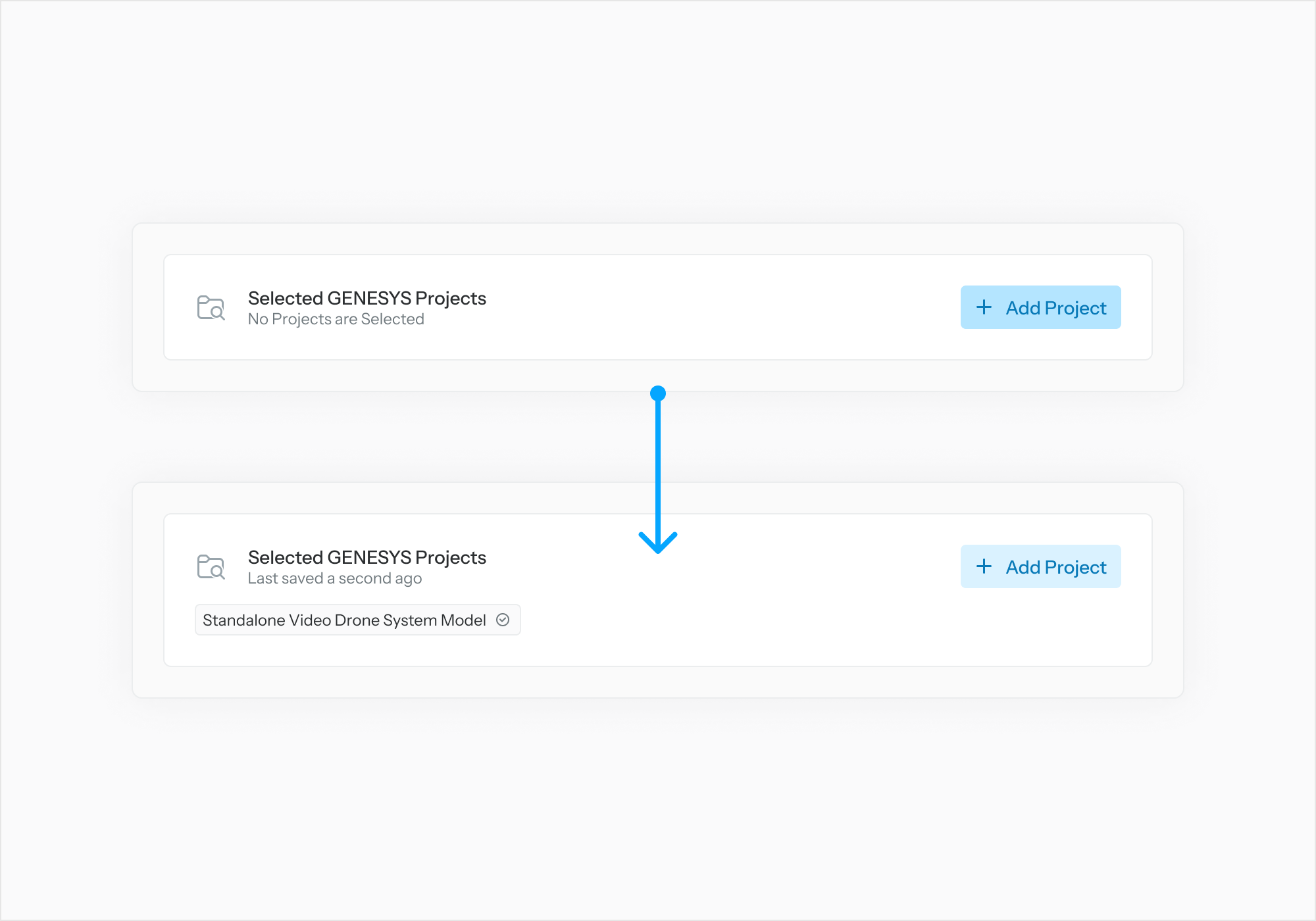
-
In the second DRP Setup page, for each included project, select “Select Model Content” to specify which entities to be added to the DRP definition. Select “Finish” when done.
Note: An individual entity, an entire folder, or entire project can be added to the DRP definition.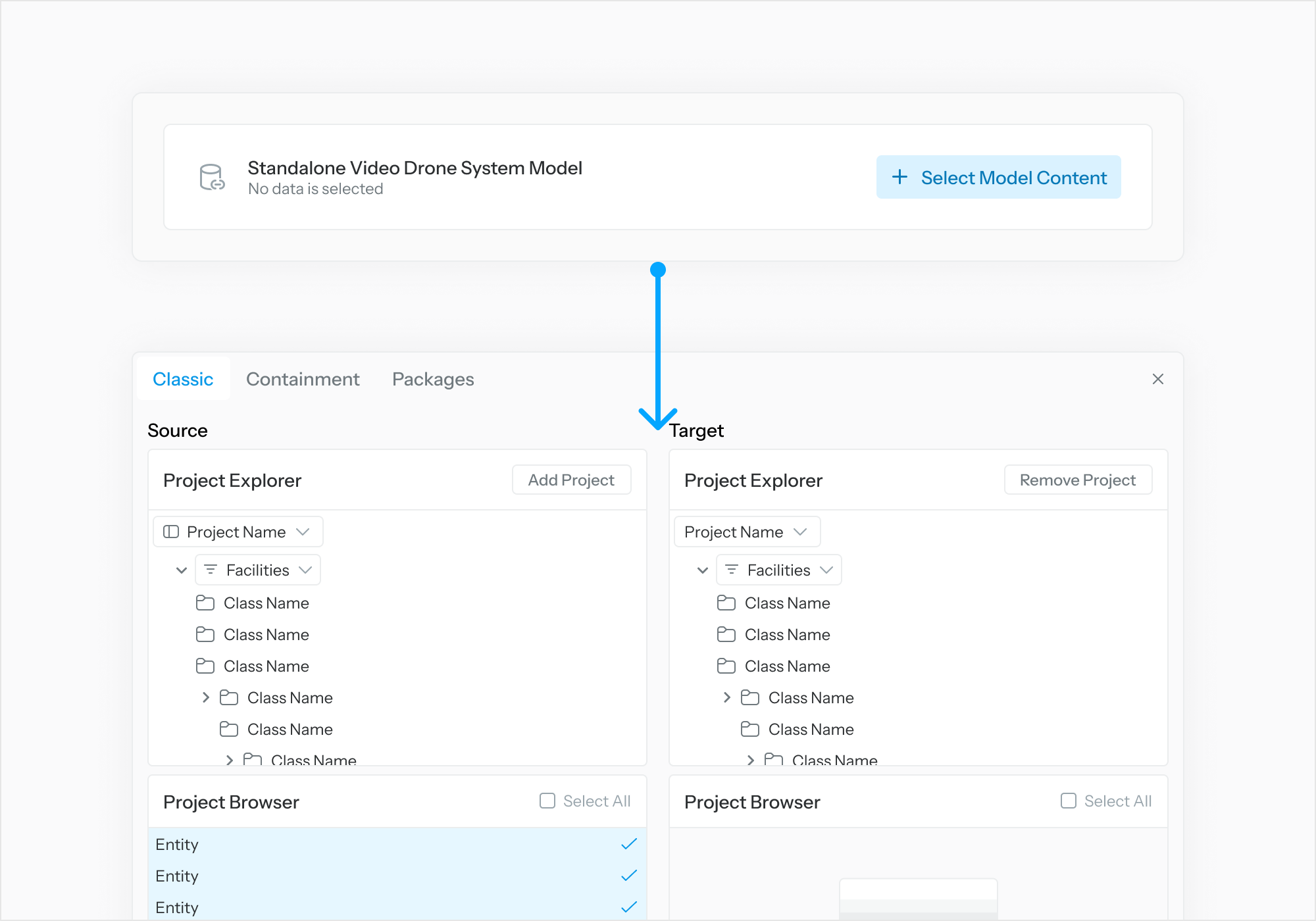
Assign Tasks
-
From “Add a Task List” select “Start.”
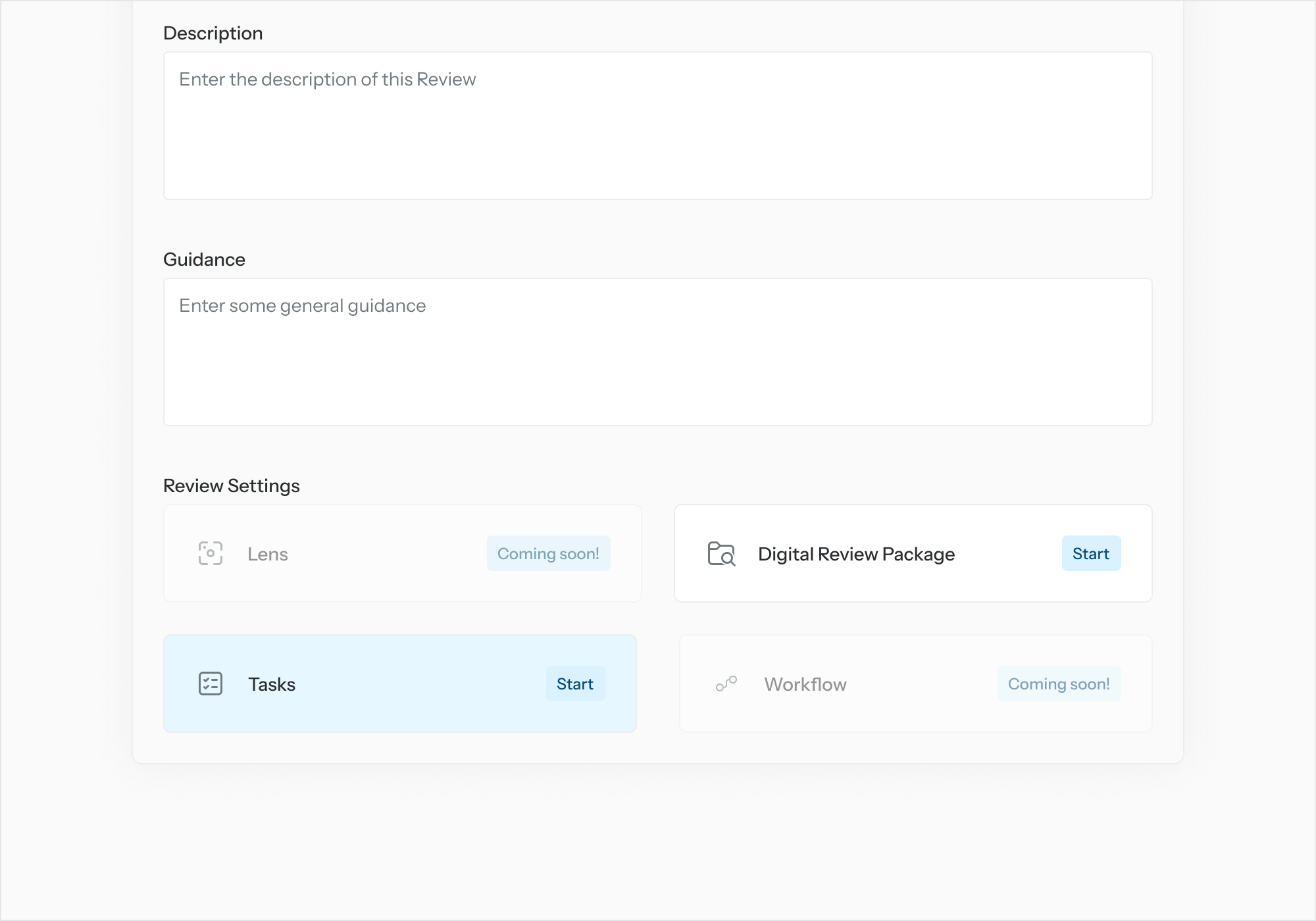
-
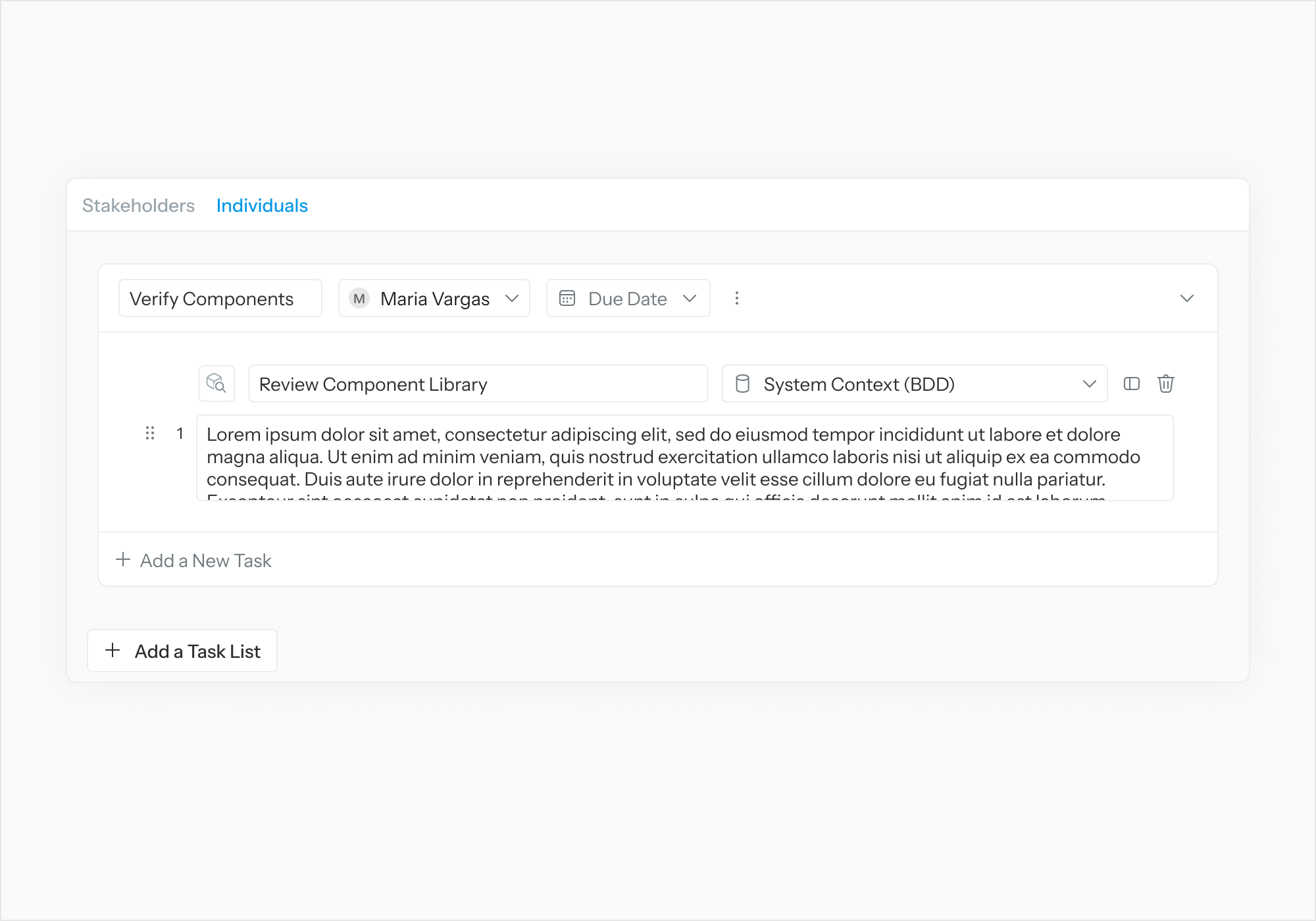
In the Task Setup page, select "Add a Task List”. Fill out Task List details.
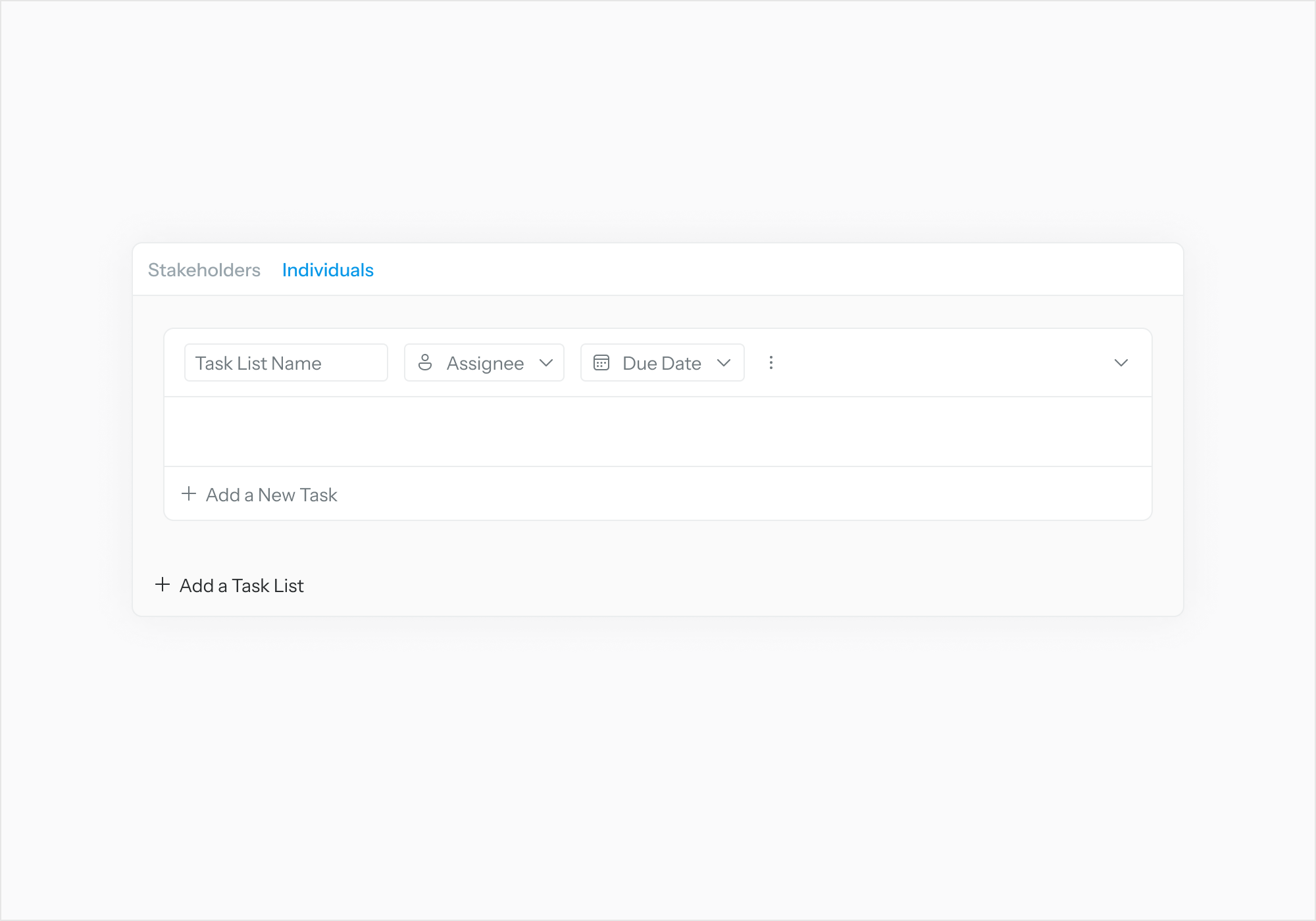
-
Select “Assignee” to link the Task List to a user.
-
Select “Add a New Task.” Fill out Task details.
-
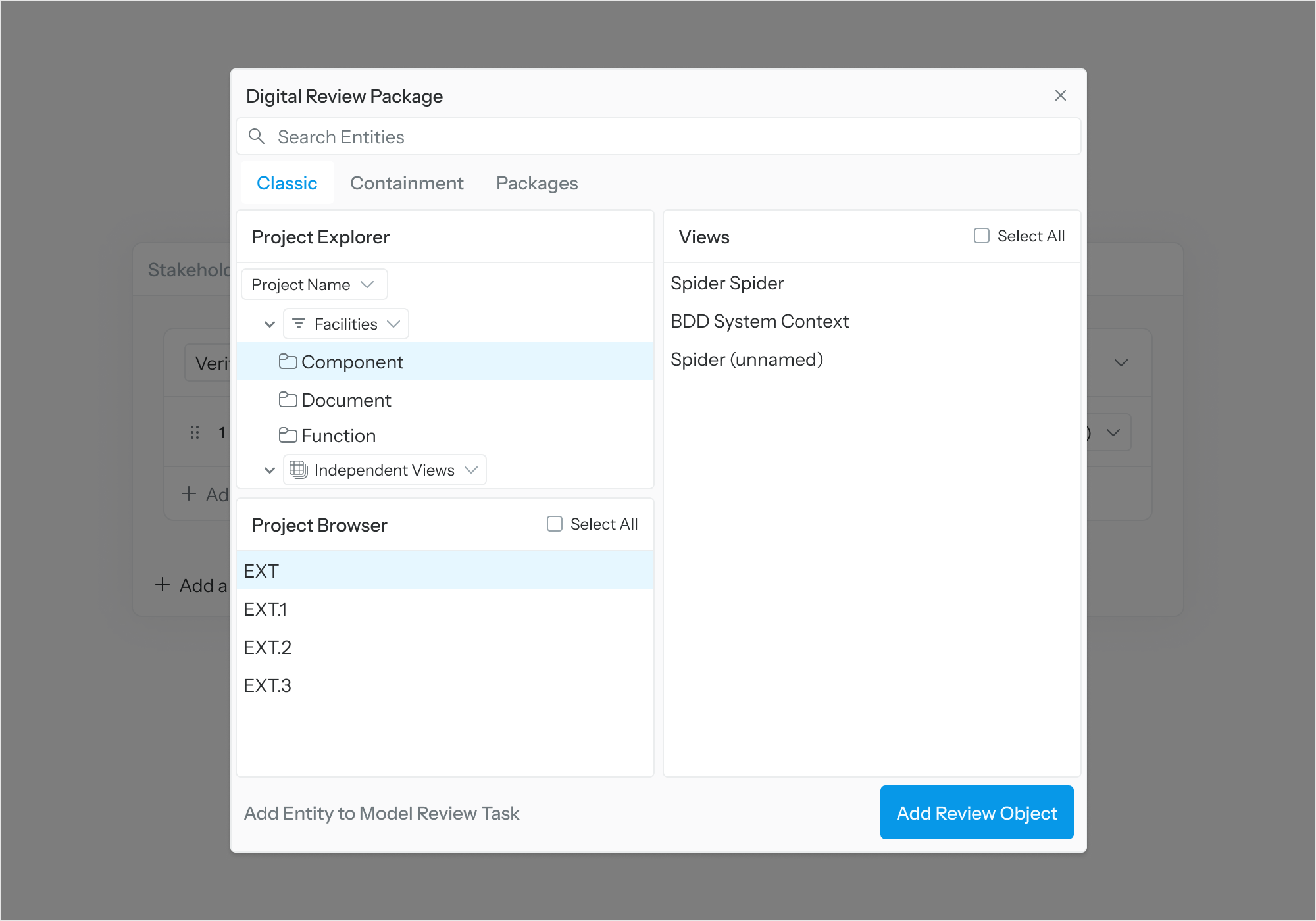
Select “Review Object” to link Task to a Review Object.
-
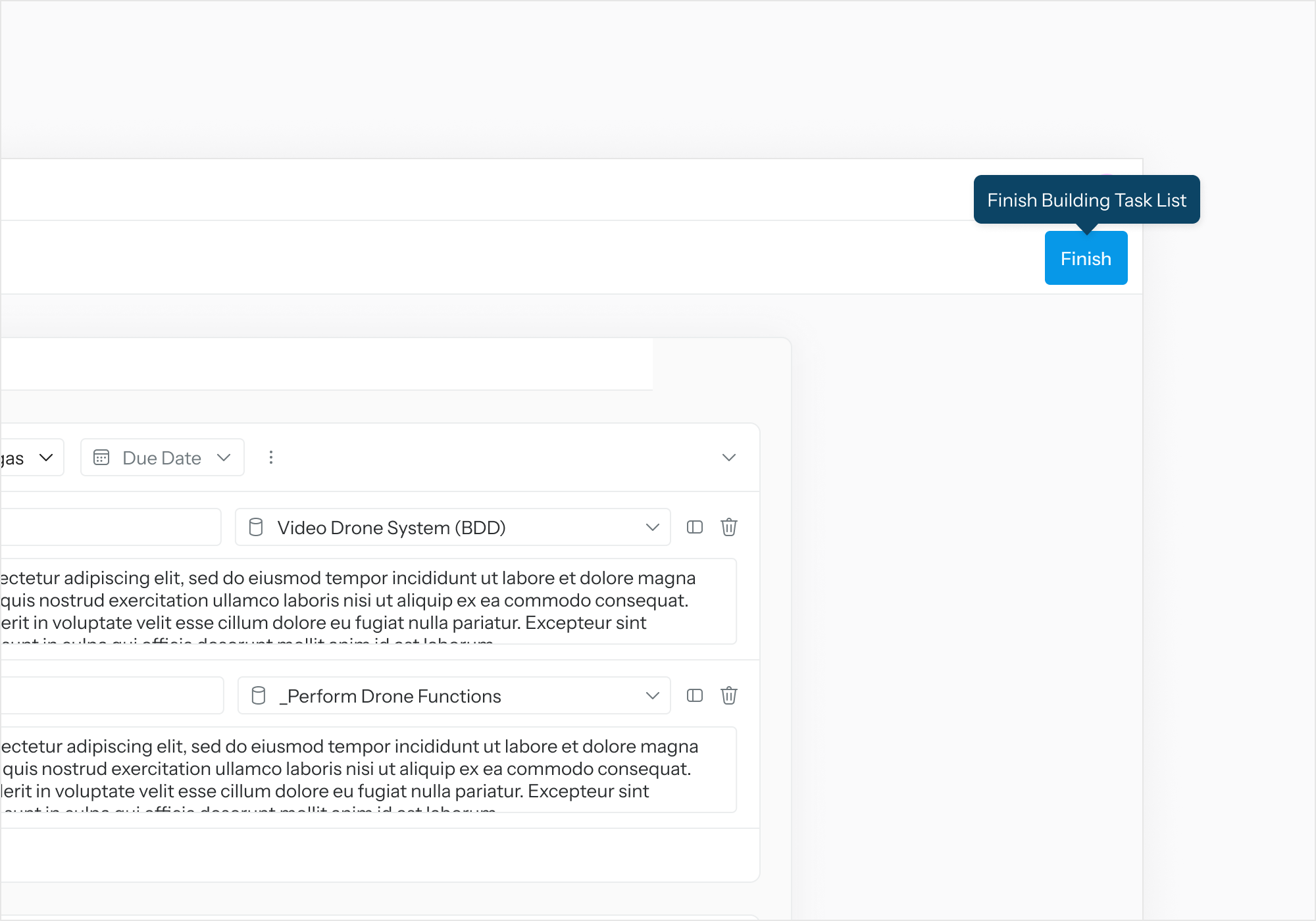
Select “Finish” once done with task assignment.
-
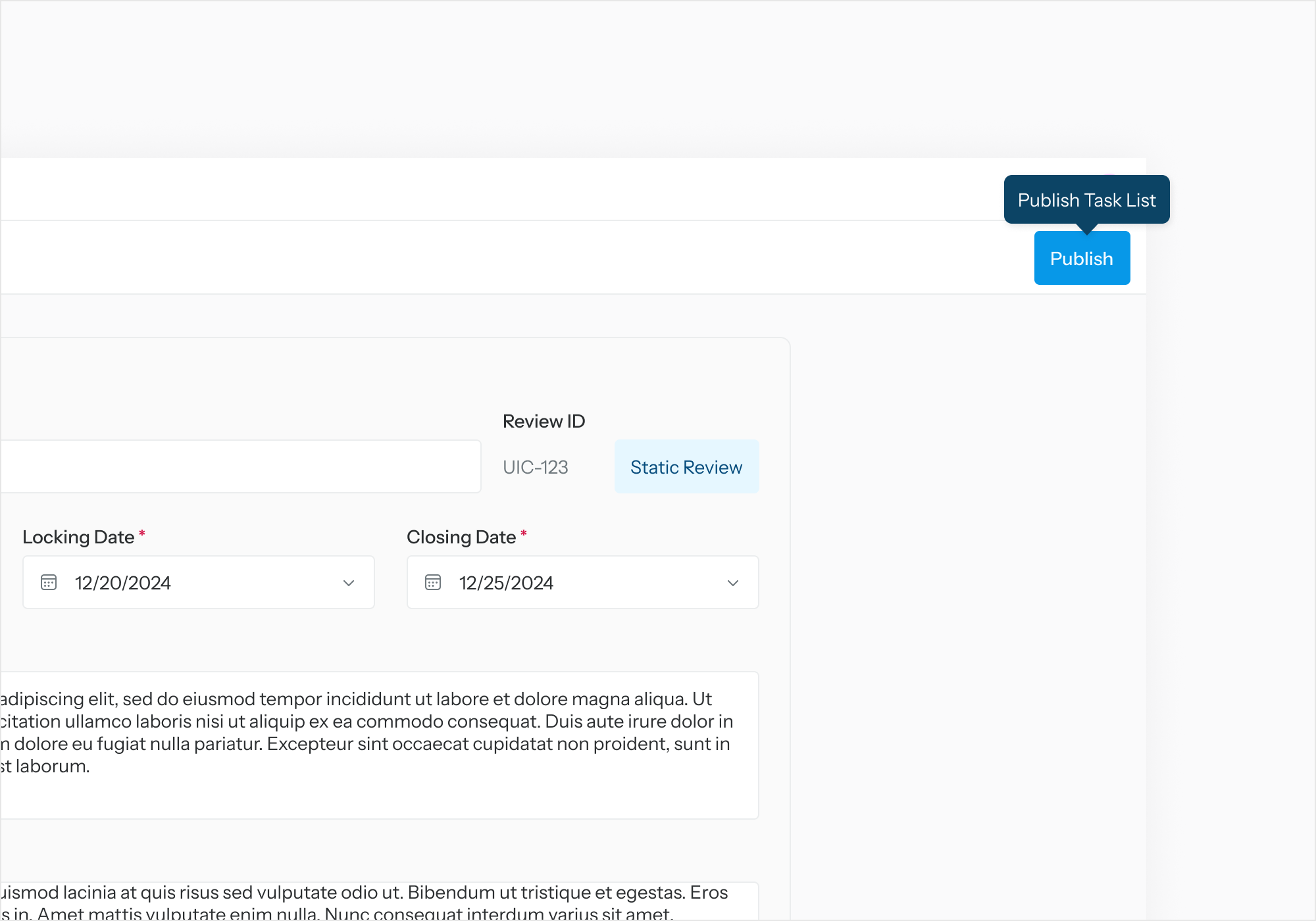
Select “Publish” on the Review Details page to publish the review.
-
The review details must have a Name, Review Lead, Locking Date, and Closing Date. The concept of the review can be found in Key Concepts portion of this documentation.
-